7. Uploads
7.2
Overview of Uploads
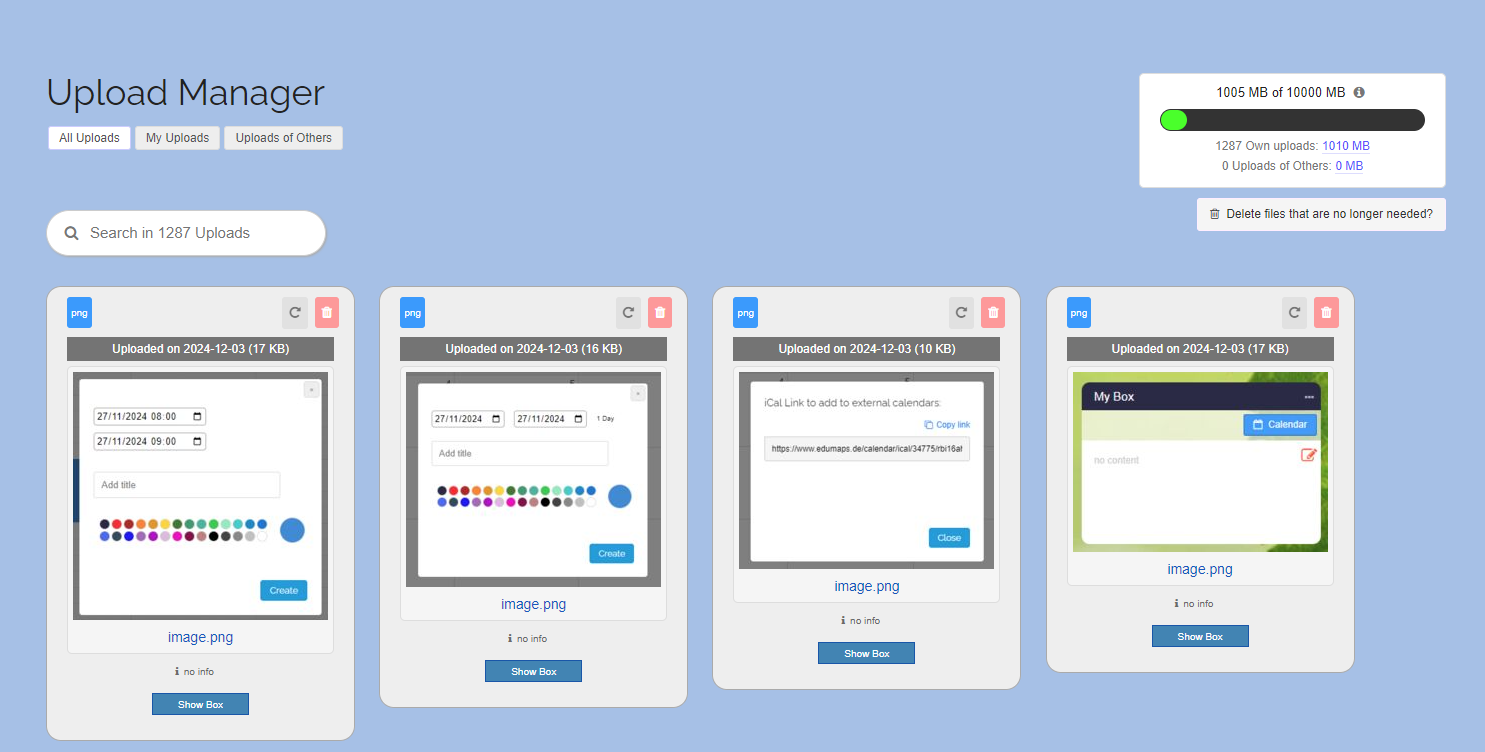
- You can find an overview of all your uploads in the Upload Manager.
-
There you will see the name of each file, the upload date, file type and file size.
-
You can delete any of your files at any time.
-
Furthermore, you can see in which box you uploaded the file. Simply click on the “Show box” button.
-
You can also leave information (e.g. a source) as a reference for each file. Simply click on "no info" to open the input field. This information is only displayed to you.
-
The uploads can be filtered according to “All uploads”, “My uploads” and “Uploads of Others”.