8
Box search through all maps in folders
-
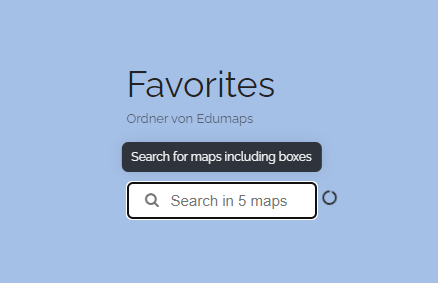
In each folder, you will find a search function that allows you to search through all the maps present there, including all the boxes located on these maps.
-
You can save multiple maps from your colleagues in a folder and then search through the contents of all these maps using the folder search function.
-
Example: You can search for a name of a student or a device name for lending purposes, and only maps will be displayed where boxes containing this search term are found. When you click on the map, the corresponding map will open, and only the box with the term will be displayed.
-
The search for boxes works in all folders as well as globally on the “My Maps” page.
-
⚙ search