3 / 14
1
Create new Folder
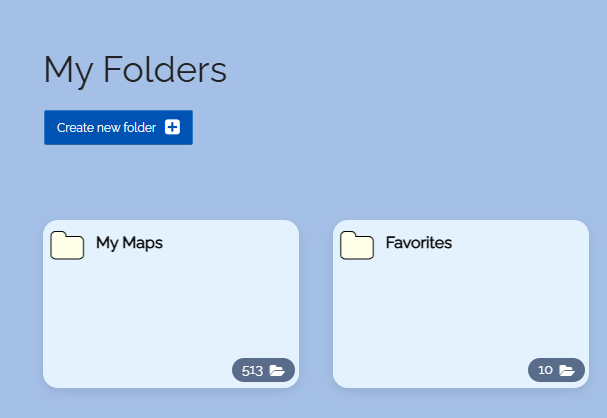
- To create a folder, visit the page “My Folders” and click the button “Create New Folder”.
-
On the “My Folders” page, you will see several folders that every user has by default:
-
- My Maps
- Favorites
- Received Maps
- Followed Maps
- Visited Maps
- Maps of My School
- External Folders
-
When you create a new folder, it will be added to the folder list.
-
⚙ create