3 / 6
1
At Tutory: Exporting a Single Worksheet
-
To export a worksheet, follow these steps:
-
- Open the Tutory website. Log in.
- Open a worksheet using the “Preview” button.
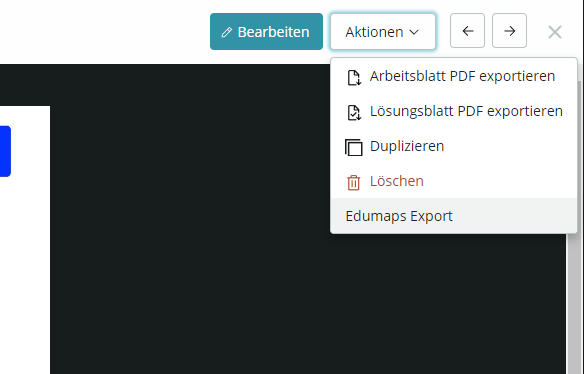
- Then you will find the “Edumaps Export” option under “Actions” in the top right corner.
-
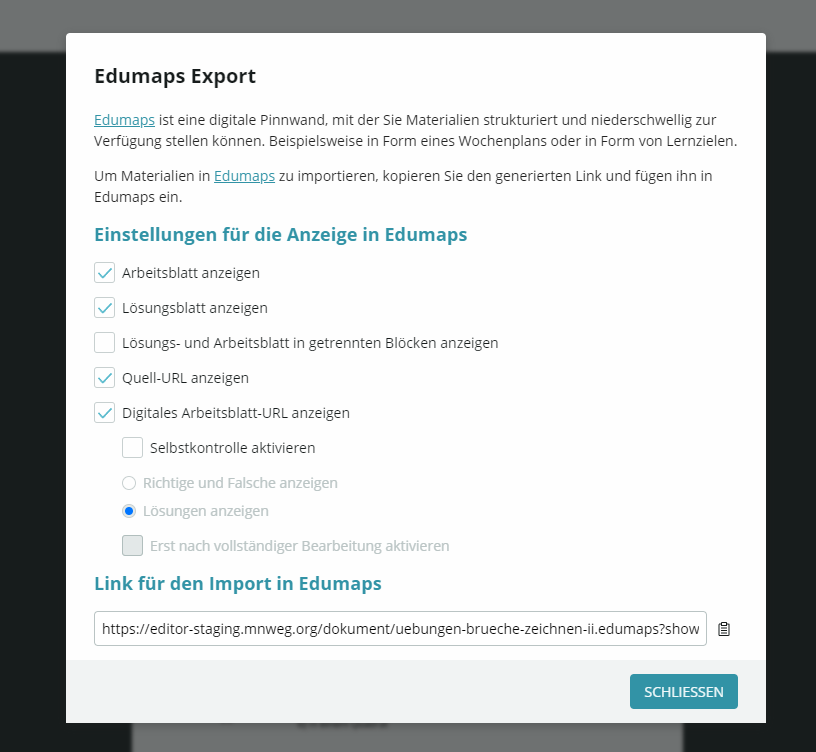
Click on “Edumaps Export” and an export dialog with configuration options will appear:
-
Select what you need. Then copy the link or save the link.
-
⚙ exportws