2
Access only for members of my school
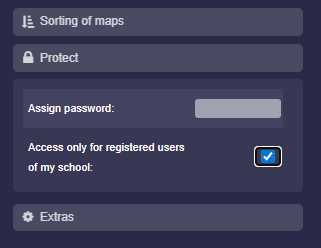
- You can set that only users who belong to your school (visible in the “List of all accounts”) are allowed to open your folder. Other users will not have access.
-
To do this, activate the option “Access only for registered users of my school” under “Protect” in the folder settings.
-
⚙ protect