
5
Additional: Public release of a folder
-
This option is not intended for internal school sharing, but it is still a way of publishing.
-
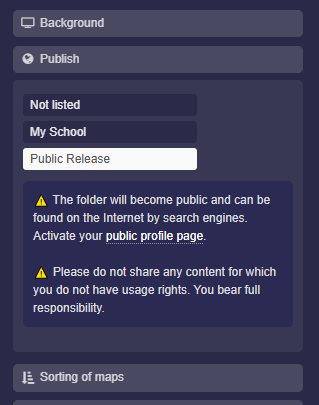
Under “Publish”, you can make the map discoverable for the entire internet.
-
Select “Public Release” and save the folder to make it publicly available.
- In addition, you must activate your public profile page so that the folder can be found.
-
-
⚠️ The folder (and all included maps) will be public and can be found on the internet by search engines.
-
⚠️ Do not publish any content for which you do not own the usage rights. You bear full responsibility.
-
⚙ publish