

4.5 Create New Boxes with AI
Edumaps Tutorial Edumaps📑 Table of Contents
1
Menu Entry to Generate Box
-
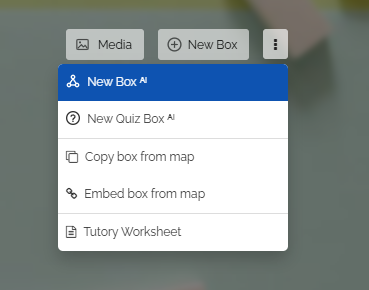
Click on the three dots to the right of the "New Box" button. In the dropdown, select "New Box with AI".
-
You can also see that you can alternatively create a quiz box.
2
Dialog: Create Box with AI
-
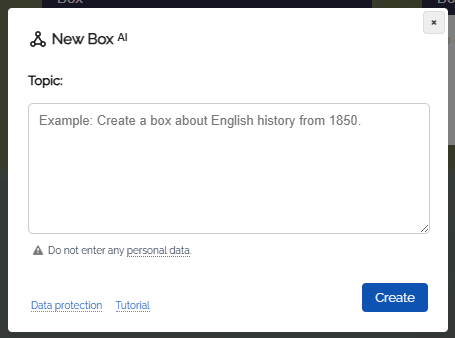
The “New Box with AI” dialog opens.
-
Here you can specify the exact topic to be covered in the box.
-
Then click on the “Create Box” button.
-
Enter a topic of your choice, for example:
-
"Write a short biography about the scientist ..."
3
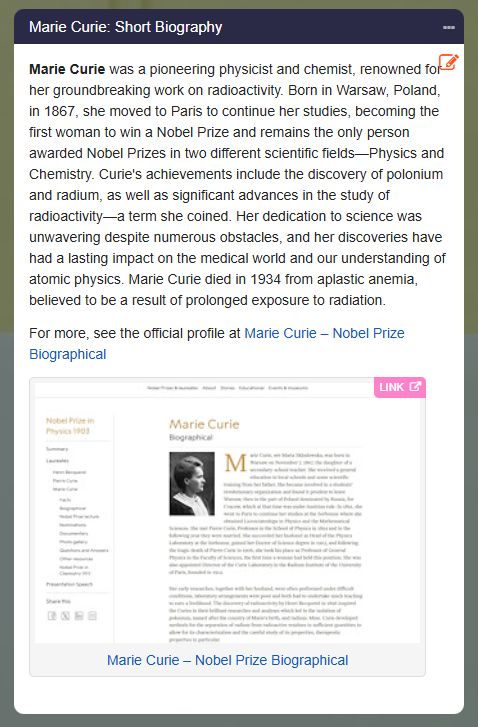
Finished Box
-
Automatic box creation takes about 10 to 30 seconds depending on the topic.
-
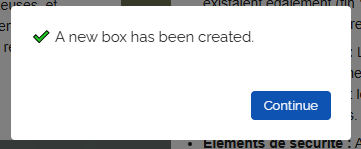
After completion you will receive a success message:
4
Post-Editing
-
You now have the option to edit the created box as you wish afterwards.
-
- You can change the contents in the box directly yourself.
- You can add texts with speech synthesis.
- You can click on “Media Search” in the box menu and add images or videos on the topic.
- You can rewrite the box content (for example, to change the content to a different level) by opening the box menu on the box and selecting "Change Content ᴬᴵ" from the dropdown.