4 / 10
2
Create a Teamtext document
-
To create a teamtext document, simply click on “Add Box” or edit an existing box (by clicking on the orange pencil icon).
-
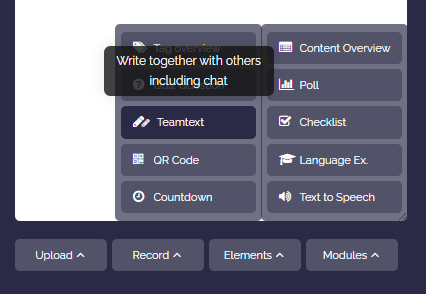
Then click on “Modules” and select “Teamtext”.
-
A teamtext document will automatically be created for you. You can write this document together with other users.
-
The link to the teamtext will be added to your box.