2. Create Map
2.3
Create Columns and Boxes
-
A map / pinboard consists of columns and boxes.
-
Creating Columns
-
- First, create a new map.
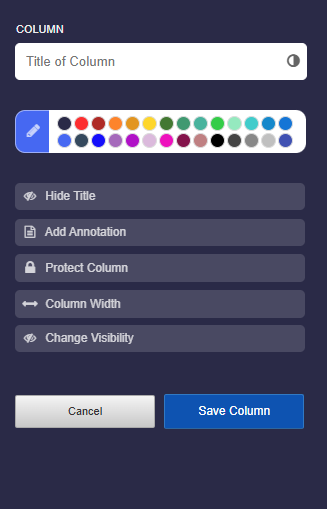
- Then click on “New column”.
- In the column settings, give the column a title. Feel free to set various options.
-
Use the Tutorial: Column Settings to familiarize yourself with the settings.
-
Creating Boxes
-
- For a pinboard or timeline, you have to first create a column before the “Add Box” button appears.
- On a stickerwall, you can add a new box immediately without creating a column.
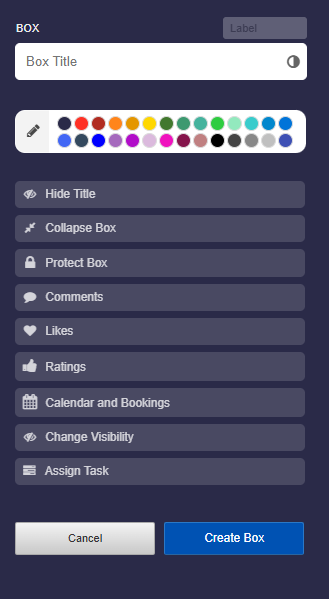
- In the box editor, give the box a title. You can also set various options.
-
Use the Tutorial: Box Settings to familiarize yourself with the settings.