3. Edit and structure Maps
3.3
Delete Box or Column
-
Delete Box
-
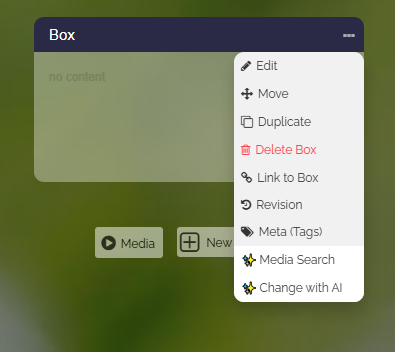
To delete a box, you click the three dots and choose “Delete Box”.
-
Delete Column
-
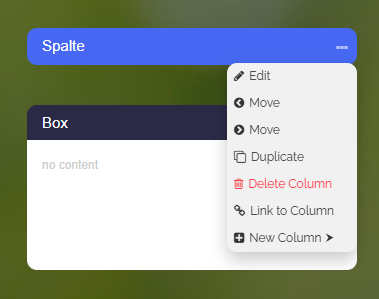
To delete a column, you click the three dots and choose “Delete Column”. Note that all boxes inside this column will also be deleted!