6
Create Classes (Presets for Teachers)
-
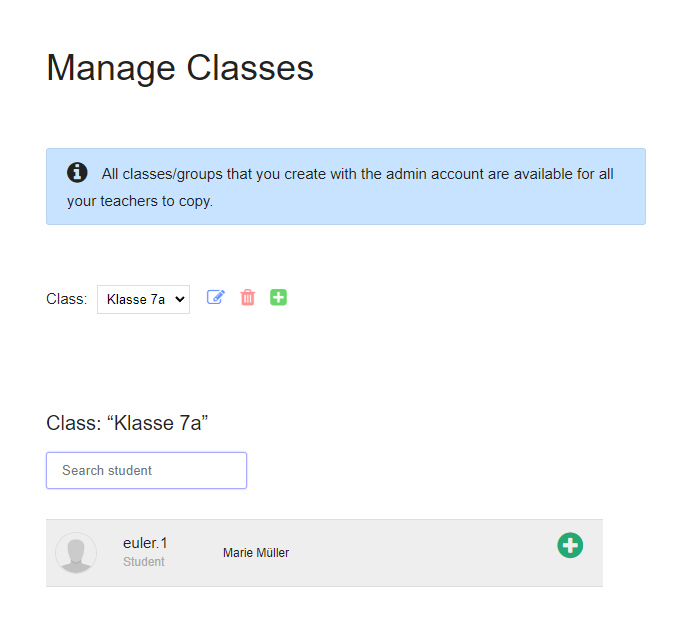
In principle, each teacher creates their own classes, but a lot of time can be saved if you create classes with the admin account. Because the classes created by the school admin are available to all your teachers as “Prepared Classes”.
-
With an admin account you can create classes as follows:
-
1. Go to the Manage Classes page.
2. Create classes.
3. Add students to each class. - As soon as you have created classes, all your teachers will see a “Prepared classes” button on the Manage classes page. When teachers click on it, they come to a page where they can use the prepared classes.
-
⚙ createclasses