7
Invite Users to your School
- On the List of Accounts page you can also invite existing users to join your school/organization.
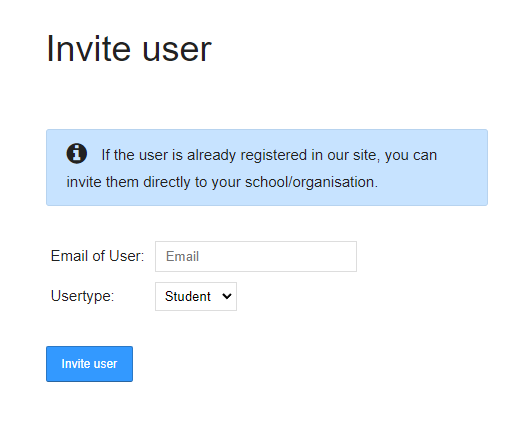
- To do so, click the blue button "Invite user" which brings you to the page Invite user.
-
Enter the user's email and s/he will receive an invitation link.
-
Important: The user must already have an account with Edumaps, only then can he be invited.
-
⚙ invite