7 / 13
5
Delete Accounts
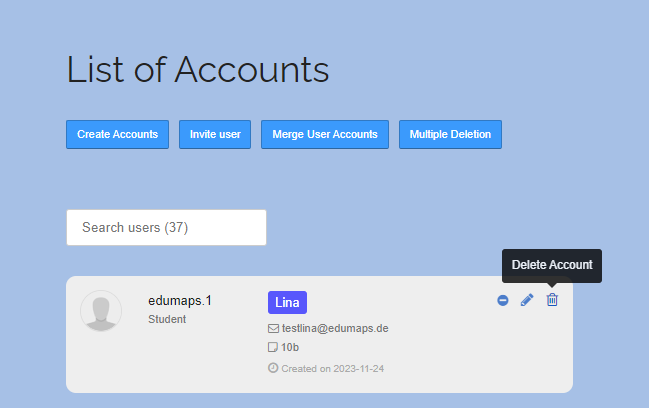
- Accounts can easily be deleted from the List of Accounts page.
-
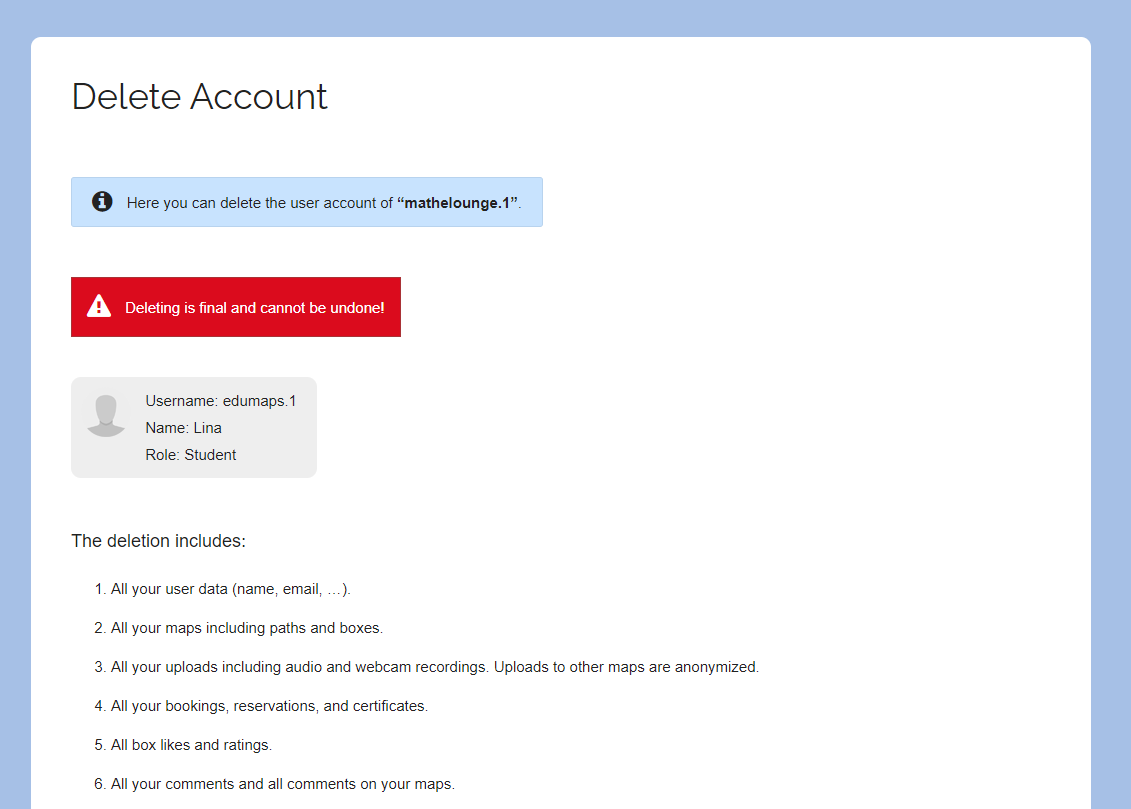
Just click on the trash icon on the right, check if it is the correct account, and then confirm the deletion.
-
Users who still have maps in their account cannot be deleted for data protection reasons. To ensure that no content is lost, these maps must be reviewed first. Alternatively, you can remove the user from the school.
-
⚙ deleteaccounts