10 / 13
8
Buyer List – Export All Buyers of a Map
-
You can export the buyers of all products on a map as a single CSV file.
-
- Switch to edit mode.
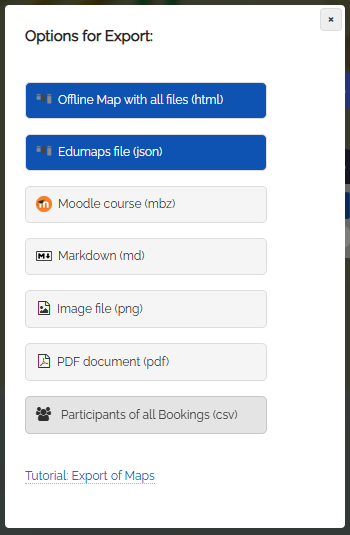
- Click on the three dots in the map menu and select "Export map".
- In the dialog that opens, choose "Participants of all bookings (csv)".
-
You can now save the generated CSV file on your computer and continue working with it.
-
The export includes the product name, email address, full name, and username of each buyer.
-
⚙ exportall