12 / 13
10
Pay with PayPal
-
⚠️ PayPal integration is not available on all servers.
-
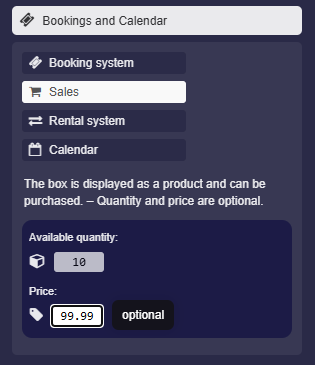
You can set a price for your product and receive the money directly from your buyers via PayPal.
-
To do this, go to the box settings and enter the “Price” in euros.
-
The price label will then appear on the box.
-
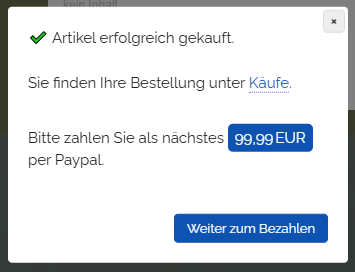
The buyer can first book the product and then proceed to payment.
-
The booking dialog appears as follows:
-
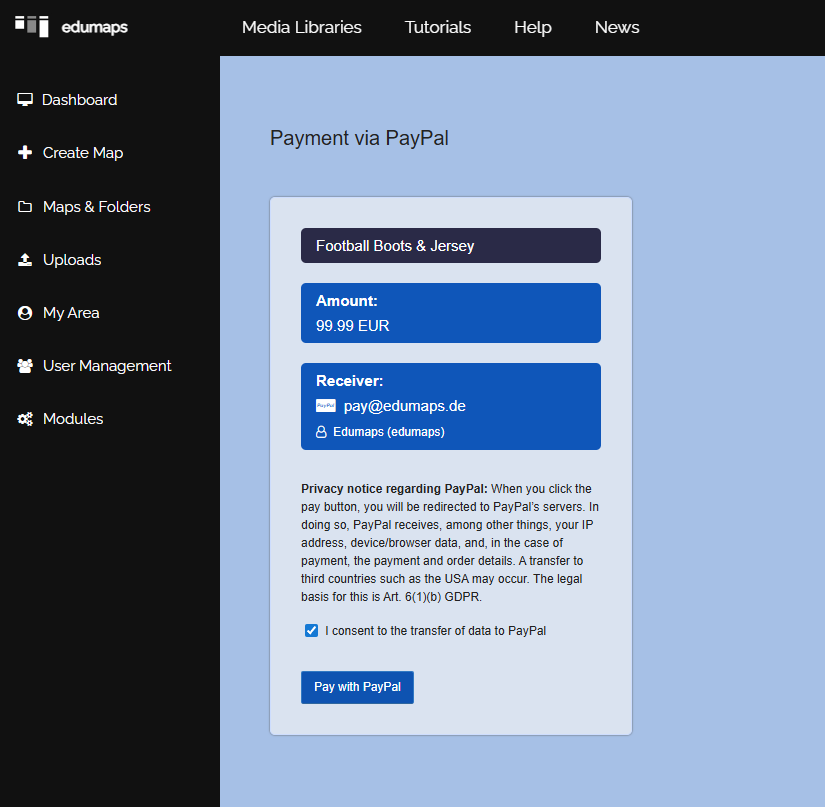
The user will then be redirected to PayPal.
- After successful payment, you will find the transaction with all details on the page “Received Payments”.
-
You can set your PayPal address on the page My Account. If no email is specified, the email address of your user account will be used.
-
⚙ payments