12 / 17
10
Edit Events
-
You can change event times as follows:
-
1. Rescheduling the event - Hold the mouse button down on the event and drag it to the new time slot.
-
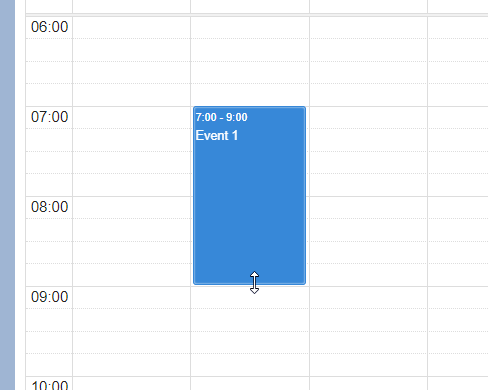
2. Adjusting the length of the event - Move the mouse to the bottom edge of the event. Grab the bottom edge (hold down the mouse button) and change the length of the event.
-
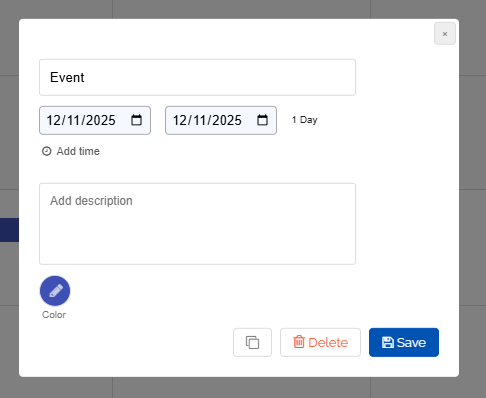
Alternatively, you can click on the appointment. The following dialog will open for editing:
-
⚙ edit