2
Linking Text with Anchor Links
-
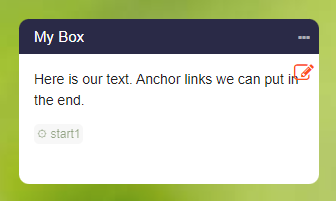
If an anchor link is associated with a box, you will see the anchor word in edit mode as follows:
-
You can now use this link for navigation.
-
- Open the box editor for the box where the link should be added.
- Write your text.
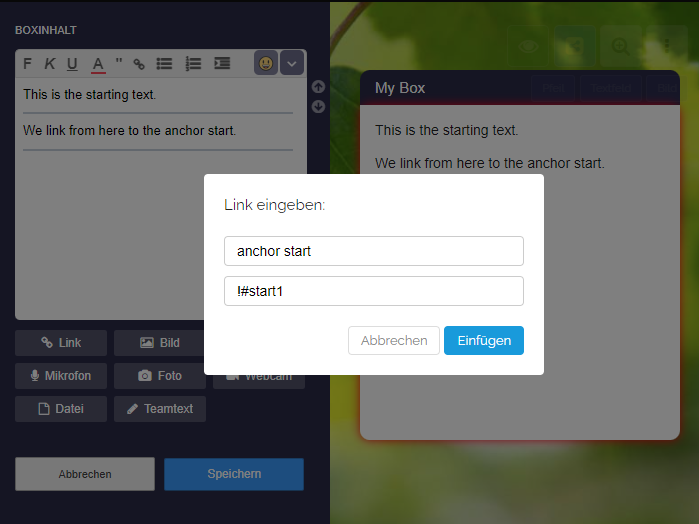
- Select a word in the text with the mouse and click on the "Insert Link" button.
- Enter your anchor link, for example
!#start1. - Save the box.
-
⚙ linking