1
Create Anchor Links
-
Let us assume you want to create a table of contents. Follow these steps:
-
- Open the box you want to link to with the Box Editor.
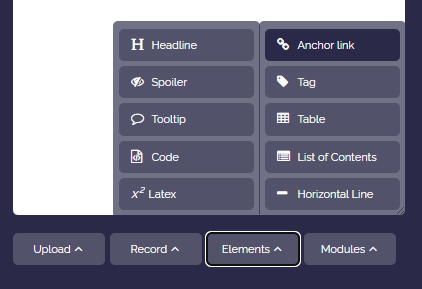
- Click on “More” and from the dropdown menu select “Layout” and then “Anchor link”.
-
-
!#anchorwill be inserted in the box content (as a template). - Rename the anchor as you wish, for example to
!#start1. Make sure that the anchor word is a single word and that the characters!#are placed directly in front of the word (no spaces, all in lowercase). - Save the box.
-
-
The anchor link is now linked to the box and can be used for navigation (linking).
-
⚙ create