9 / 13
6
Protect Column
-
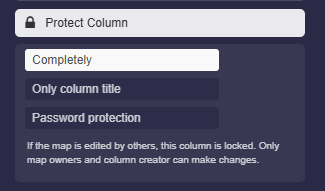
With the “Protect column” setting, there are various ways to protect a column.
-
- “Fully”
- “Title only”
- “Password protection”
-
1. Completely
-
If the map is edited by others, this column is locked. Only map owners and column creator can make changes.
-
2. Only column title
-
Only the column title is locked, however, boxes can still be added and edited in the column.
-
3. Password protection
-
In the map view, the correct password must be entered to make the boxes in the column visible.
-
⚙ protect