4 / 10
2
Set up a Poll
-
You can effortlessly insert a poll into a box.
-
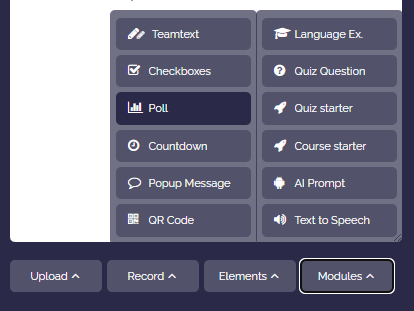
To do this, open the box editor and click on “More”. In the dropdown select “Interactive” and then “Poll”.
-
Confirm whether you want to allow a “single selection” or “multiple selection”.
-
Afterwards, a pre-made poll will appear that you can modify as you wish.
<poll>
Option A
Option B
Option C
Option D
Option E
</poll>-
-
⚙ setup