4 / 9
2
Link to Public Profile Page
-
If your profile page is public, you can share the link to your profile.
-
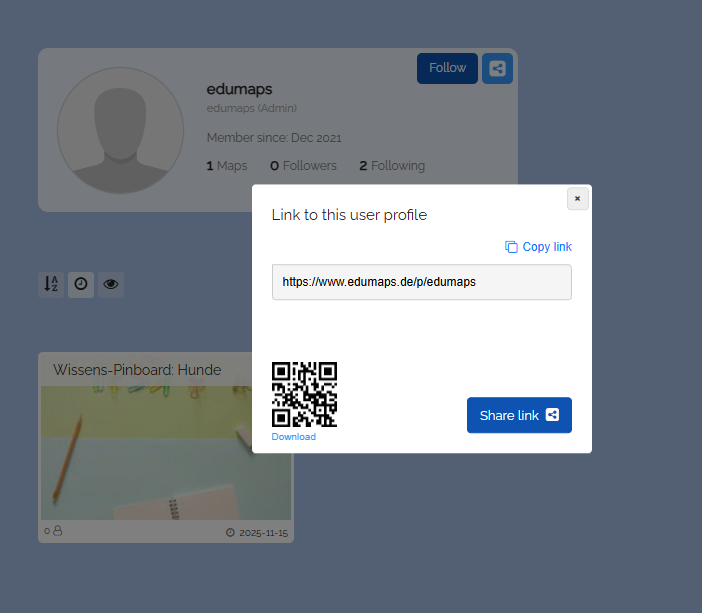
Click the blue Share button at the top right of your profile page. A dialog with the link and a QR code will appear.
-
Copy the link to your profile page and share it with your teachers/students/friends. They can now follow your profile.
-
The link to the profile page is
www.edumaps.de/p/username(where "username" is your Edumaps username). - You can also find the link to your public user profile on the page My Account.
-
⚙ link