5 / 9
3
Public Sharing of Maps
-
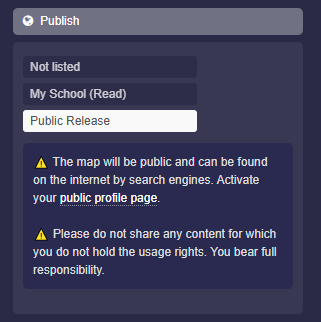
In the map settings under “Publish”, you can make the map discoverable for the entire internet.
-
Click on “Public Release” and save the map, so the map is publicly and freely accessible.
-
⚠️ The map will be public and can be found on the internet by search engines. Activate your public profile page.
⚠️ Do not share any content for which you do not hold the usage rights. You bear full responsibility. -
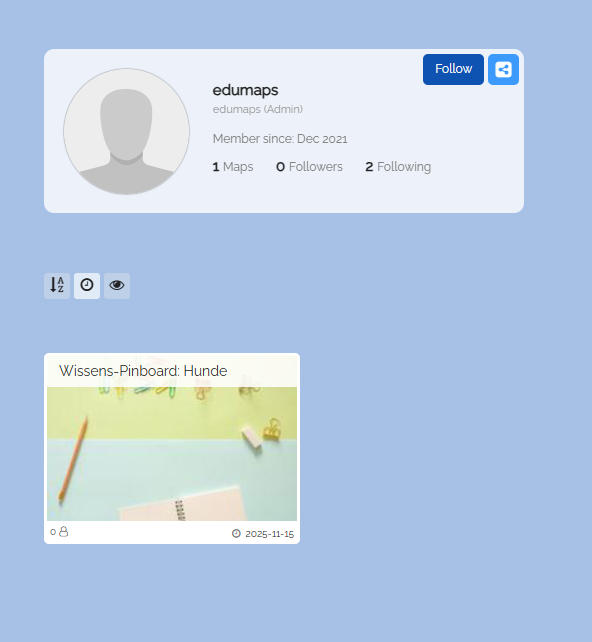
As soon as you publish maps with "Public Release", these maps will appear on your profile page.
-
⚙ publish