2
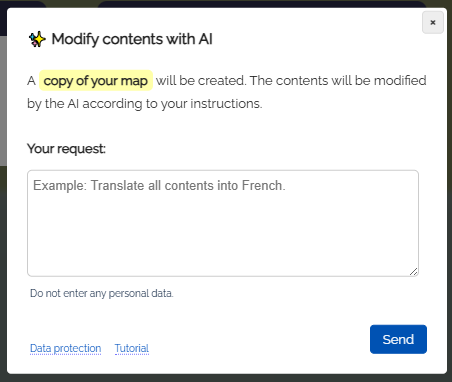
Dialog: Change content with AI
-
In the dialog that opens, enter your request.
-
A copy of the current map will be created and processed by the AI module according to your request.
-
You can also add new boxes or even remove boxes - depending on your request.
-
⚙ dialog