7 / 10
5
Share Course
-
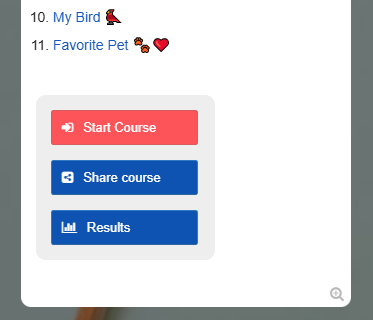
In the first box, you will find three buttons (as the map owner):
-
With these buttons you can:
-
- start the course
- share the course with your students
- view your students’ results
-
Tips:
-
Click on “Share course” and let your students scan the QR code. This allows them to start the course immediately.
-
Students can participate anonymously (without an Edumaps account).
-