2
Search and Edit All Users
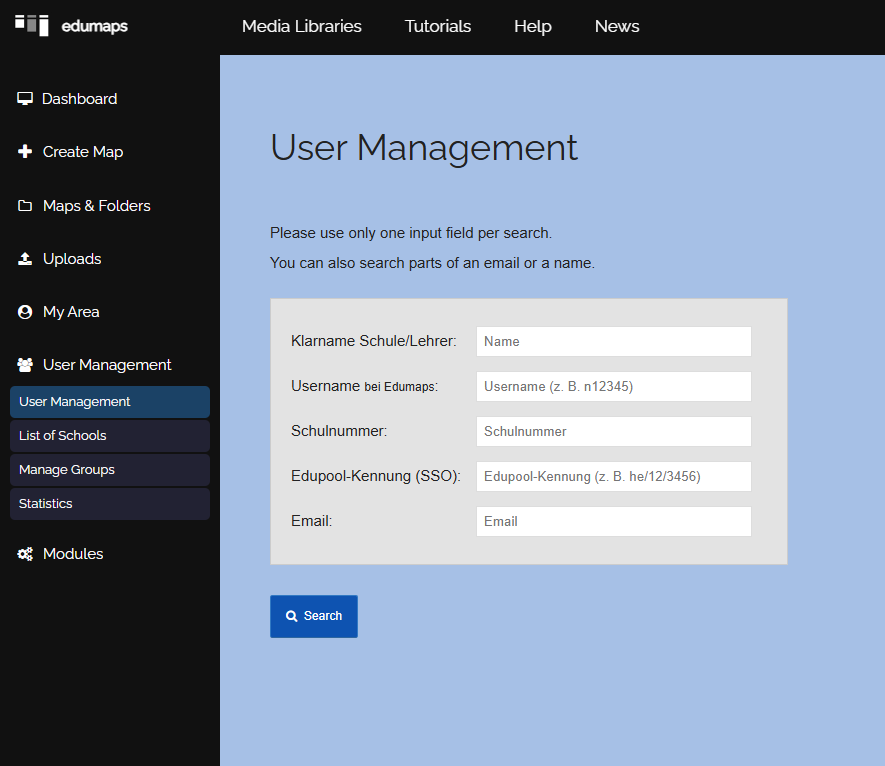
- With the User Management, you have access to all user accounts across all schools.
-
Options:
-
- Find users using the search function
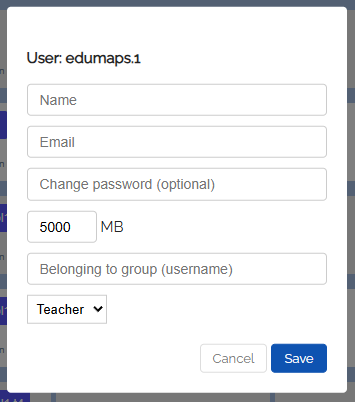
- Edit profile data
- Change email addresses
- Reset passwords
- Review accounts across schools
- Configure storage space
- Assign accounts to other schools
- Adjust roles (T/S)
-
This function is especially helpful for support requests or school transfers.
-
Once you have found a user, you can click the edit icon and modify the user data.
-
⚙ user