4.9 Tutorial: AI Chat Assistant – Ideas for Creating Content
Edumaps-
The AI currently used on Edumaps is ChatGPT from OpenAI.
- You can find the AI assistant at: https://www.edumaps.de/ai
- A tutorial on how to use it can be found here: AI Assistant on Edumaps
-
-
All examples listed here can also be used for creating maps and boxes via AI. See examples.
Ban on AI in the classroom?
-
From the AI guideline (NRW):
-
“A ban on discussing and using AI didactically in the classroom cannot be a sustainable response in the context of a rapidly evolving world in which students live.”
GPTZero for identifying AI-generated texts
-
You can use GPTZero to check if a text was created with ChatGPT.
Example 1 - Mathematics
Arithmetic Quiz on Basic Operations
-
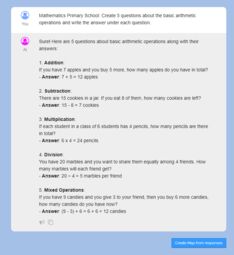
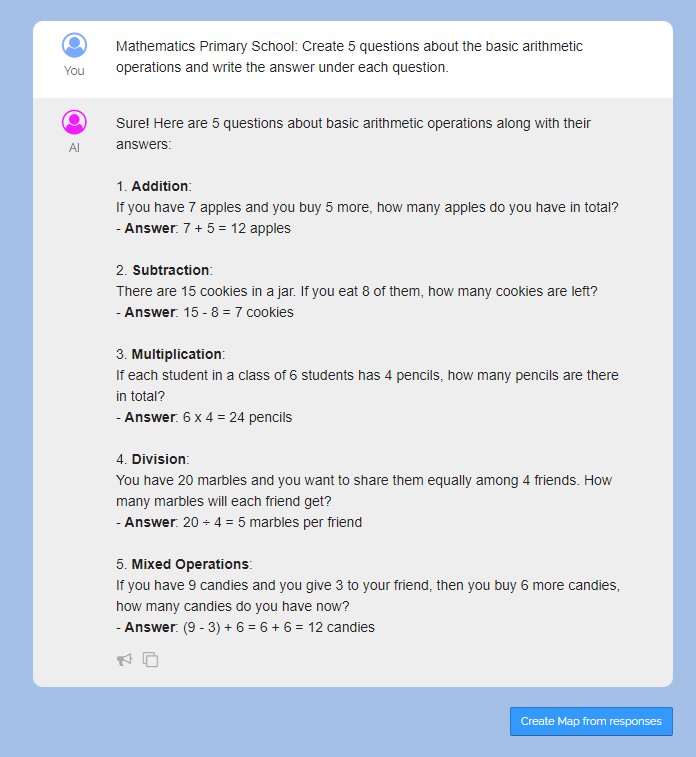
📝 Input:
Mathematics Primary School: Create 5 questions about the basic arithmetic operations and write the answer under each question.-
Open prompt
-
-
Example of an AI response:
-
-
Then we can click on the blue button “Create map from responses”.
-
-
Then all AI responses get transfered to a new map:
-
1. What is the result of 6 + 3?
Answer: 9
2. What is the neighboring number of 47?
Answer: 46 and 48
3. What shape is a stop sign?
Answer: Octagon
4. How many sides does a triangle have?
Answer: 3
5. What is the sum of the first five natural numbers?
Answer: 15 -
-
Spoiler for Quiz
-
Now we can add spoiler characters
??before each answer and thus create a quiz: -
1. What is the result of 6 + 3?
-
Zum Zeigen klickenAnswer: 9
-
2. What is the neighboring number of 47?
-
Zum Zeigen klickenAnswer: 46 and 48
-
3. What shape is a stop sign?
-
Zum Zeigen klickenAnswer: Octagon
-
4. How many sides does a triangle have?
-
Zum Zeigen klickenAnswer: 3
-
5. What is the sum of the first five natural numbers?
-
Zum Zeigen klickenAnswer: 15
-
⚙ arithmetic-quiz
Example 2 - German
Create a Text about a Place
-
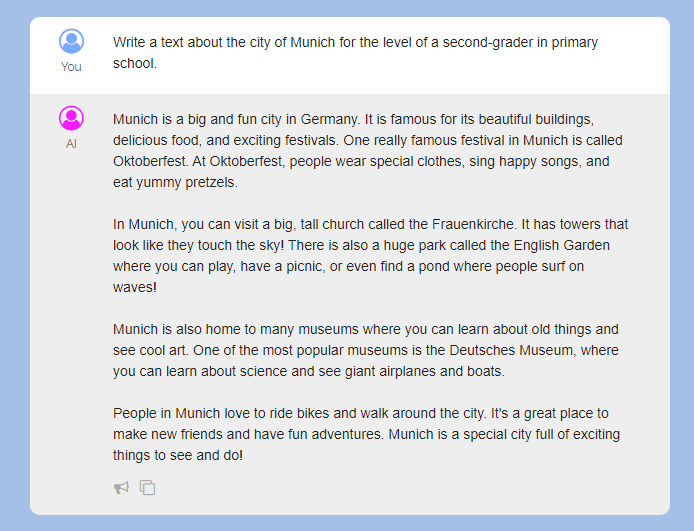
📝 Input:
Write a text about the city of Munich for the level of a second-grader in primary school.-
Open prompt
-
-
Example of an AI response:
-
-
We can now add this text directly to our map by clicking on the red button.
-
⚙ create-text
Example 3 - Politics
Analysis on a chosen Topic
-
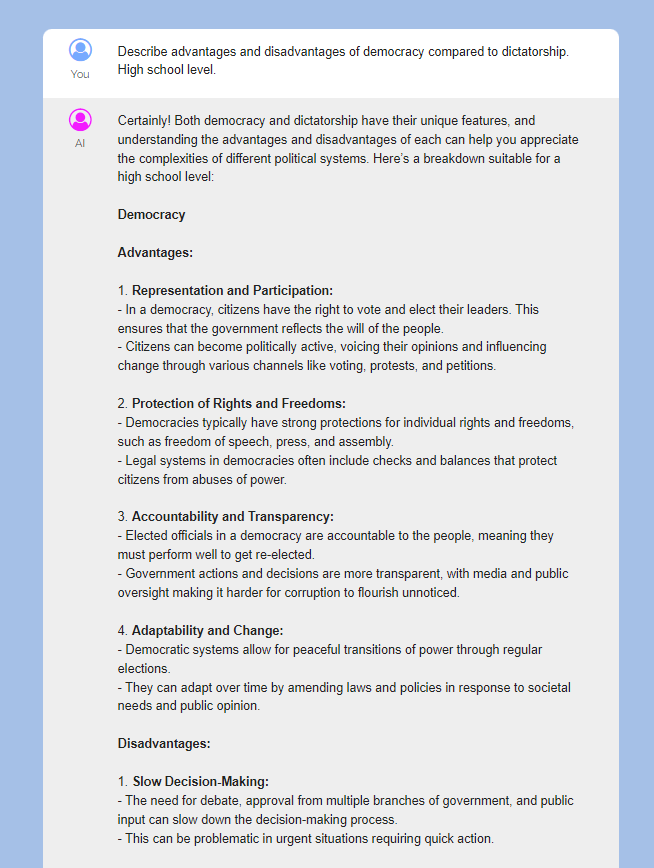
📝 Input:
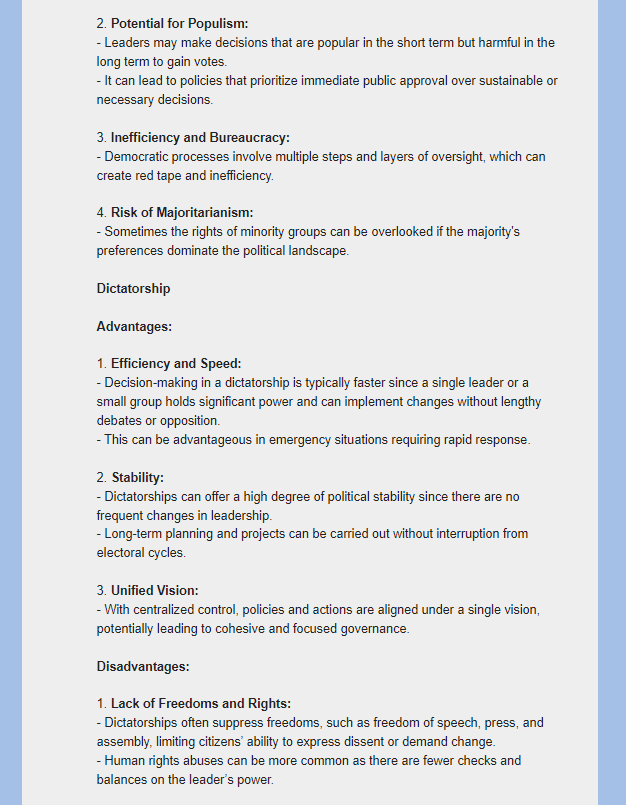
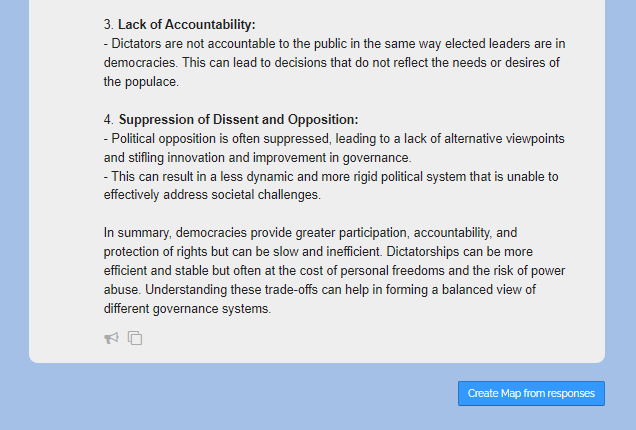
Describe advantages and disadvantages of democracy compared to dictatorship. High school level.-
Open prompt
-
-
Example of an AI response:
-
This AI response could, for example, be discussed with the class in groups.
-
⚙ analysis-topic
Example 4 - History
Timeline with Events
-
📝 Input:
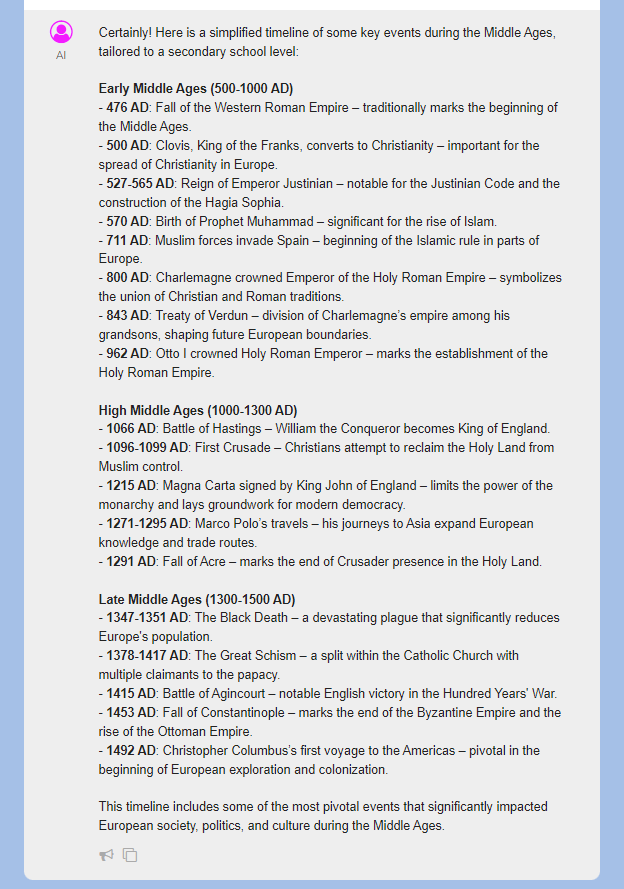
Create a timeline of the most important events in the Middle Ages. Secondary school level.-
Open prompt
-
-
Example of an AI response:
-
-
⚙ timeline
Example 5 - Biology
Description of Processes
-
📝 Input:
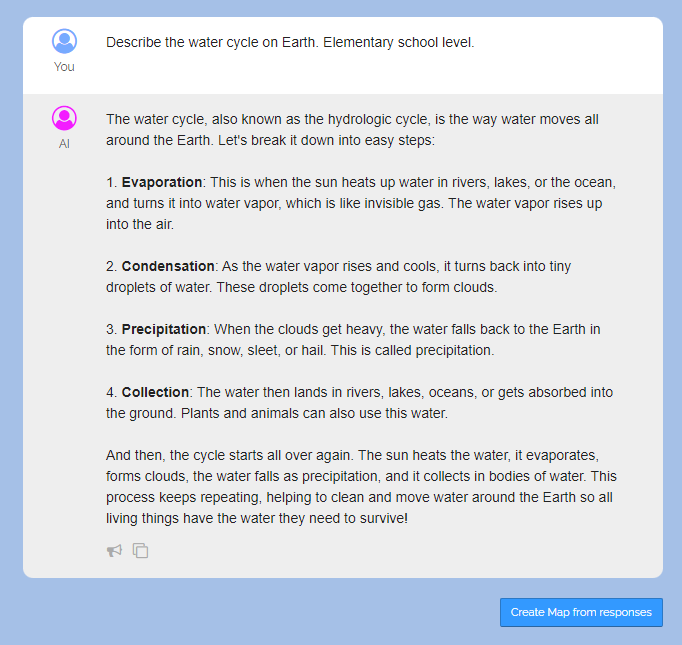
Describe the water cycle on Earth. Elementary school level.-
Open prompt
-
-
Example of an AI response:
-
-
Now the students could draw pictures that represent the stages of the water cycle.
-
⚙ description-processes
Example 6 - Geography
Design a Multiple-Choice Quiz
-
📝 Input:
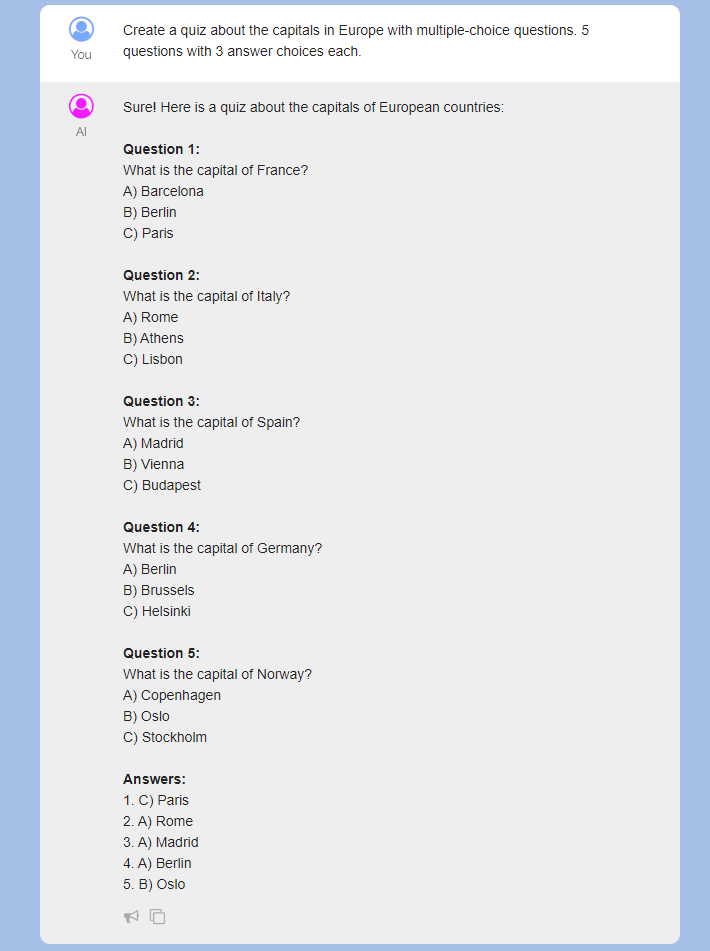
Create a quiz about the capitals in Europe with multiple-choice questions. 5 questions with 3 answer choices each.-
Open prompt
-
-
Example of an AI response:
-
-
Now the students could solve the quiz directly on Edumaps and submit the respective solutions via comments.
-
⚙ multiple-choice-quiz
Example 7 - Art
Step-by-Step Instructions
-
📝 Input:
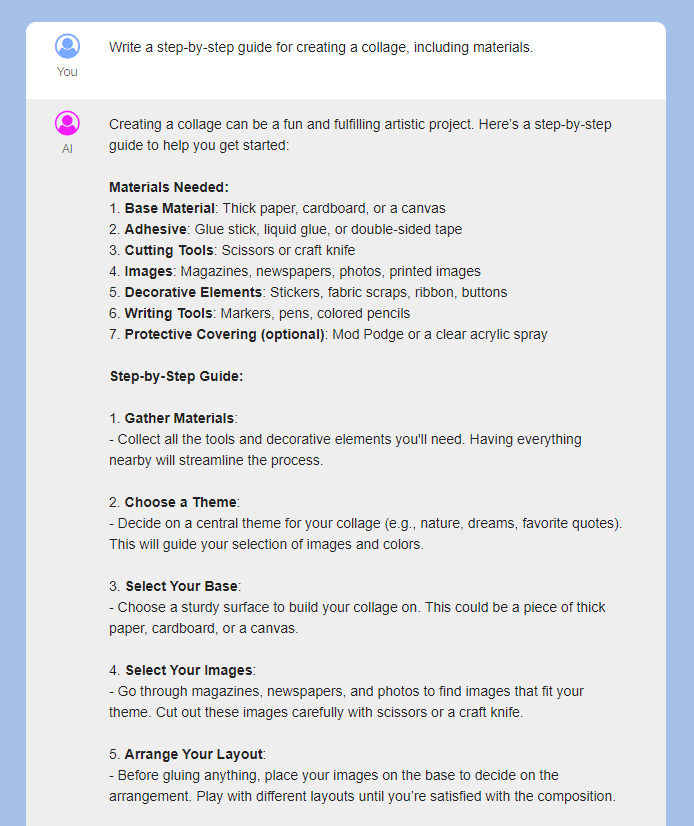
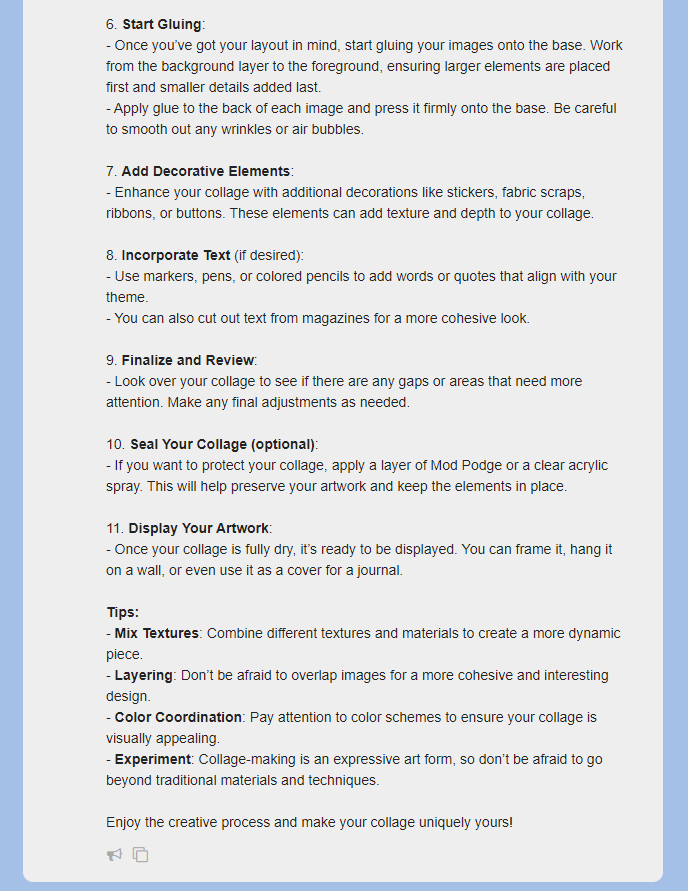
Write a step-by-step guide for creating a collage, including materials.-
Open prompt
-
-
Example of an AI response:
-
Now the students could follow the instructions and create the collage accordingly.
-
⚙ instructions
Example 8 - Physics
Examples of Natural Laws
-
📝 Input:
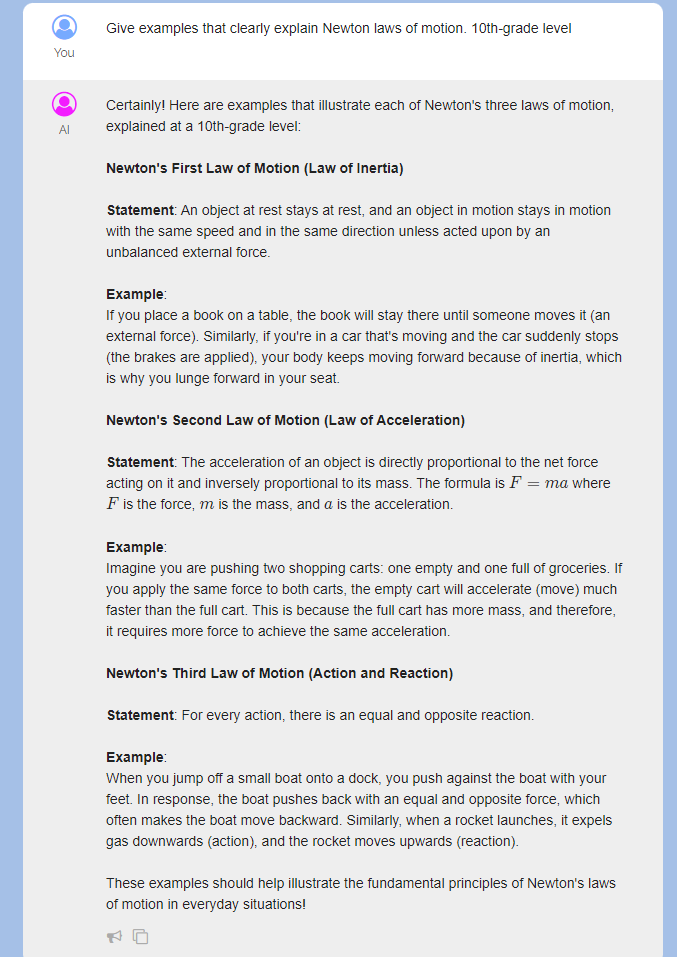
Give examples that clearly explain Newton's laws of motion. 10th-grade level.-
Open prompt
-
-
Example of an AI response:
-
-
Now the students could find their own examples that they find in everyday life.
-
⚙ examples
Example 9 - Informatics
Program with Source Code
-
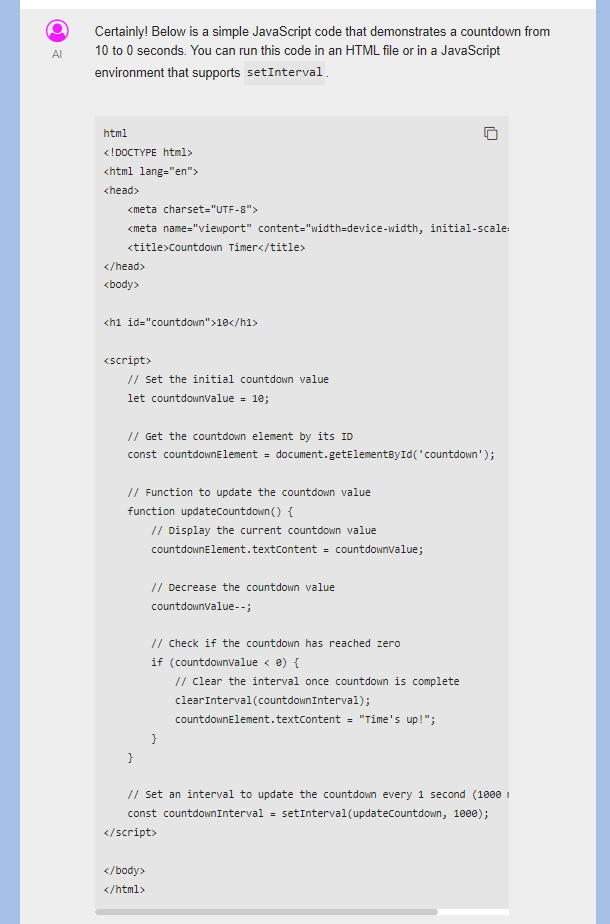
📝 Input:
Provide a JavaScript source code that shows a countdown from 10 to 0 seconds.-
Open prompt
-
-
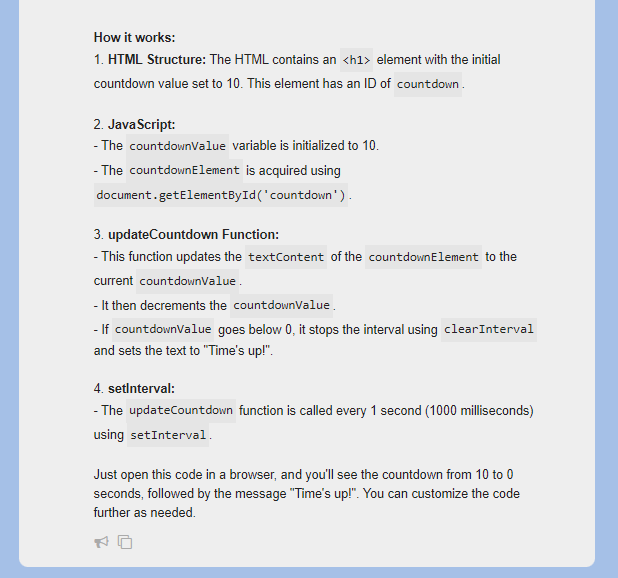
Example of an AI response:
-
Now the students could try out the source code themselves and find any errors - or make changes, for example a countdown with a longer time span.
-
⚙ source-code
Example 10 - Music
Create a Worksheet
-
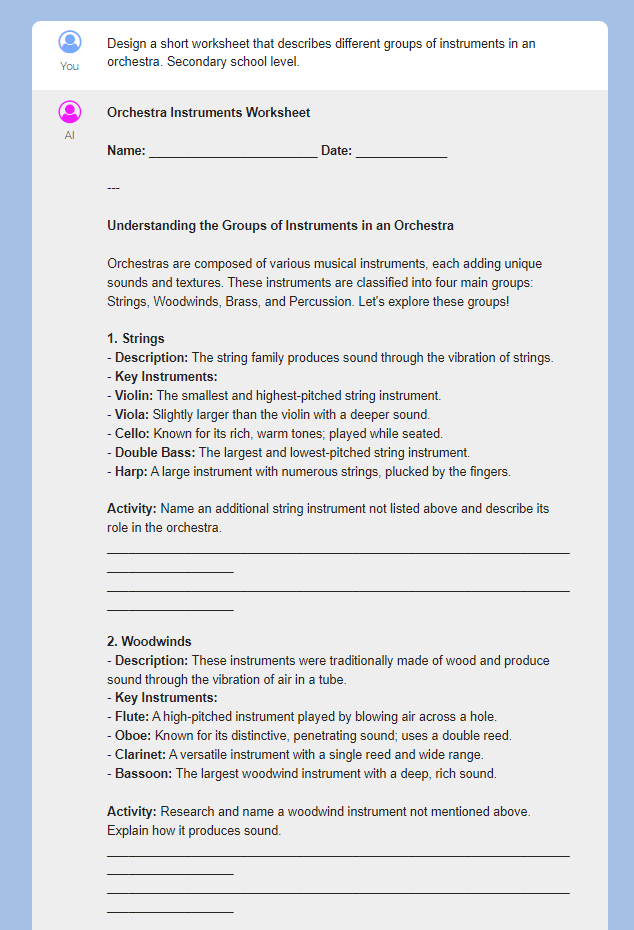
📝 Input:
Design a worksheet that describes different groups of instruments in an orchestra. Secondary school level.-
Open prompt
-
-
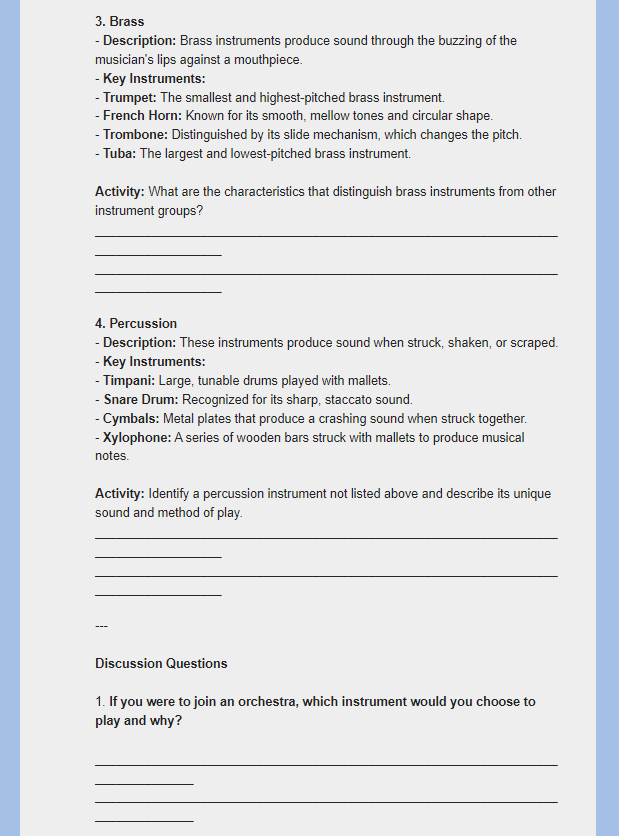
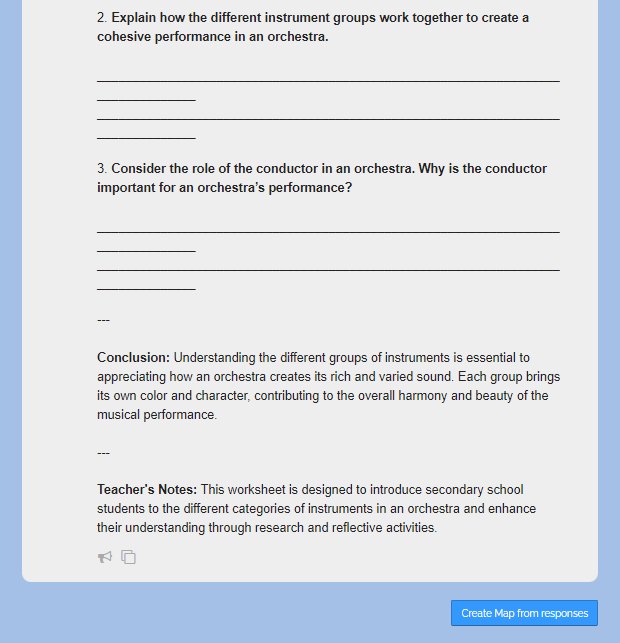
Example of an AI response:
-
Now the students could revise the worksheet themselves.
-
⚙ worksheet