

4.11 Transform Existing Texts into a Pinboard
Edumaps1Introduction
-
✔️ In Edumaps, you can turn your own texts into a ready-structured pinboard - for example a daily schedule, notes, or an email.
-
✔️ Simply paste in your text, and the AI will handle the division into columns and boxes.
-
✔️ The content remains unchanged: the AI structures your text, it does not invent anything.
-
✔️ You can freely edit the automatically created pinboard afterwards.
1
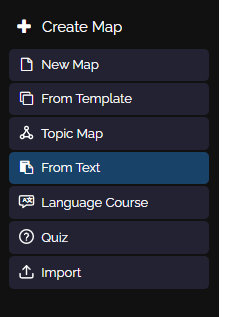
Menu entry for creating from text
-
Click on “Create Map” in the left sidebar and then select “From Text”.
-
Alternatively, you can also open “Topic Map” and switch to “Your text” in the dialog - both ways lead to the same dialog.
2
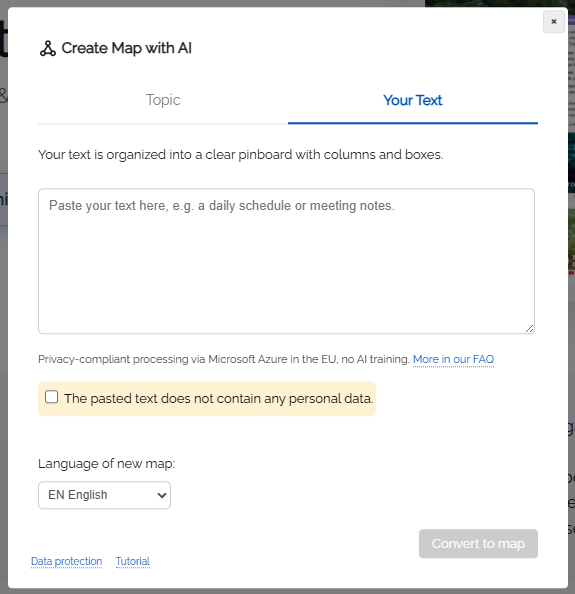
Dialog: Insert your own text
-
The dialog opens in the "Insert your text" mode. Paste your existing text here, for example by copying and pasting from a note, an email, or a document.
-
The text may be unformatted and unsorted (up to 15,000 characters).
-
Note: To create the pinboard, your text is transferred to the AI module. Please make sure that the text does not contain any personal data, and confirm this using the checkbox in the dialog.
-
Then click the “Convert to map” button.
3
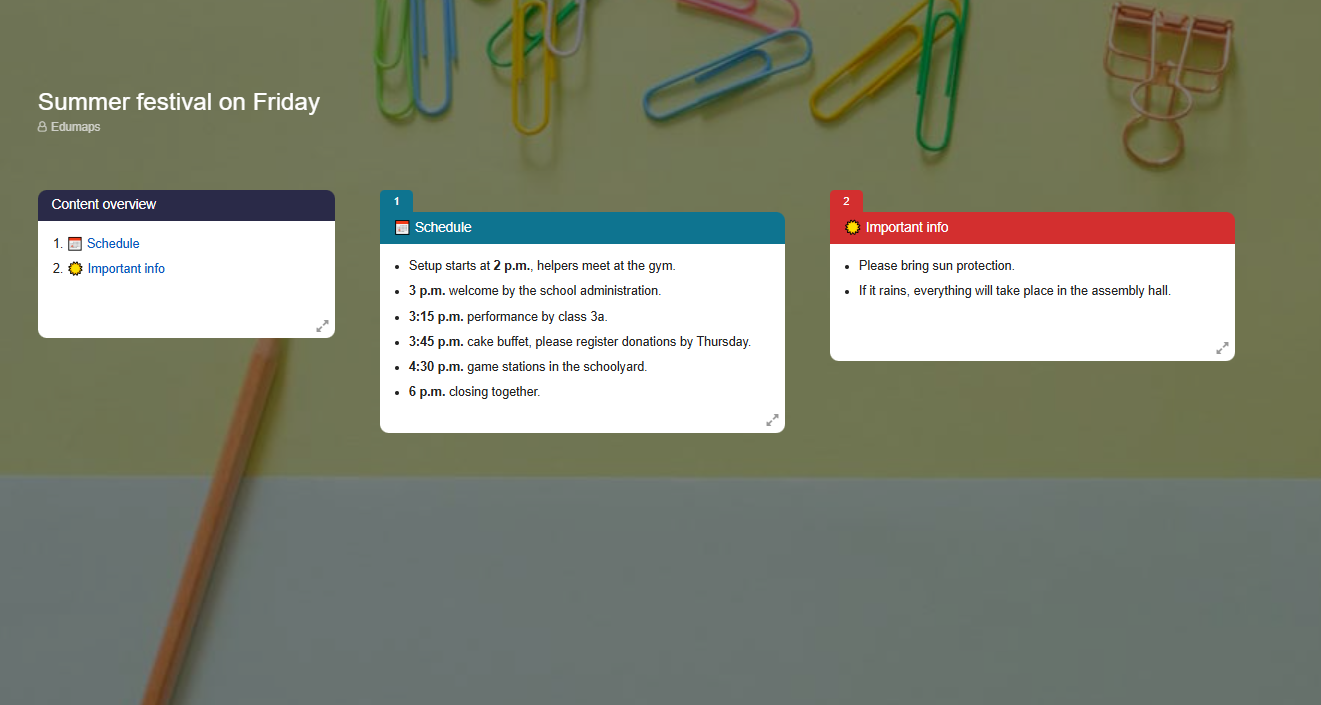
Finished pinboard
4
Example: Before and After
-
Your source text might look like this - copied directly from a note:
-
Summer festival on Friday. Setup starts at 2 p.m., helpers meet at the gym. 3 p.m. welcome by the school administration. 3:15 p.m. performance by class 3a. 3:45 p.m. cake buffet, please register donations by Thursday. 4:30 p.m. game stations in the schoolyard. 6 p.m. closing together. Please bring sun protection. If it rains, everything will take place in the assembly hall.
-
This could become, for example, a pinboard with:
-
- Column Schedule with one box per program item and time
- Column Helping out with setup and cake donations
- Column Important notes with sun protection and rainy-day alternative
5
What is this suitable for?
-
Whenever content already exists but is not yet clearly organized:
-
- Daily routines and weekly plans
- Notes from meetings or parent evenings
- Procedures for projects, trips, or celebrations
- Material lists and checklists
- Longer emails or text documents
- Bullet points for a teaching unit
-
Tip: You can also add wishes in front of the text, for example: "Create a parent information board from this with the columns Schedule, Helping out, and Notes."
-
⚙ einsatz
6
Post-editing
-
You now have the option to edit the created pinboard afterwards as you wish.
-
- You can change content directly in the boxes yourself.
- You can add speech synthesis to texts.
- You can click Media Search in the box menu and add images or videos related to the topic.
- You can create new boxes with AI by clicking the three dots next to the "New Box" button and selecting "New Box with AI" from the dropdown.
- You can rewrite box content (for example, adjust the content to a different level) by opening the box menu and selecting "Change Content ᴬᴵ" from the dropdown.