9 / 14
7
Invite Users to your School
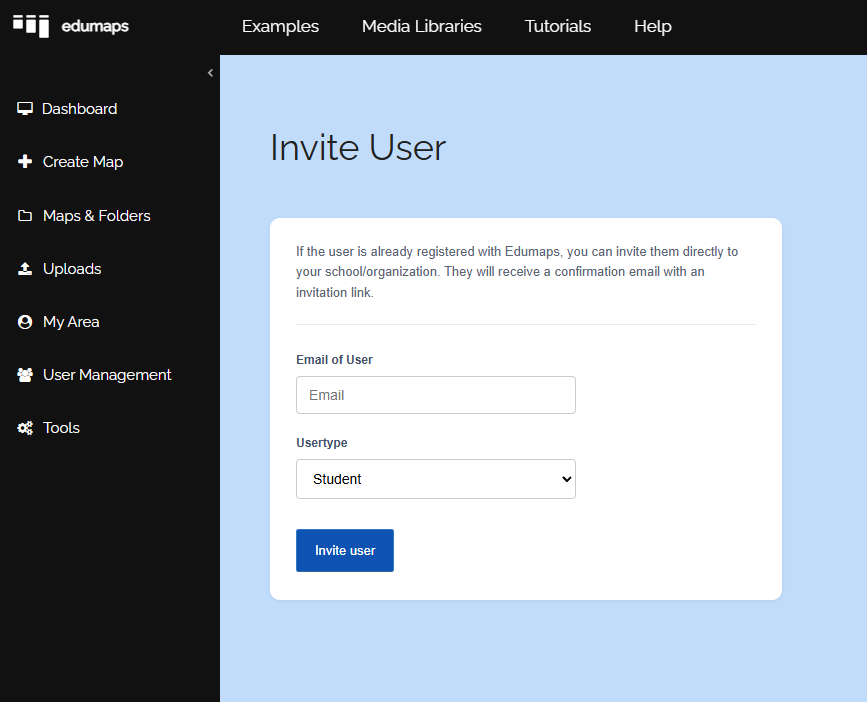
- On the List of Accounts page you can also invite existing users to join your school/organization.
- To do so, click the blue button "Invite user" which brings you to the page Invite user.
-
Enter the user's email and they will receive an invitation link.
-
Important: The user must already have an account with Edumaps, only then they can be invited.