12 / 19
10
Create events
-
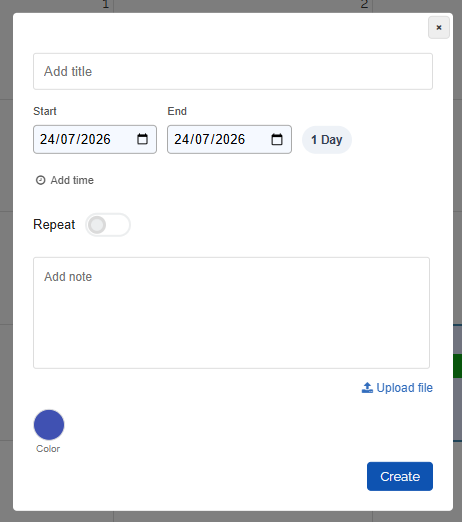
You can add events simply by clicking in the calendar or by selecting a time period with the mouse.
-
Change the times as desired. Add the title and a description. Optionally choose a different color.
-
You can also set repetitions for the event.
- You can also upload any number of files. You will then find the files on the “My Uploads” page.
-
⚙ create