14 / 19
12
Edit events
-
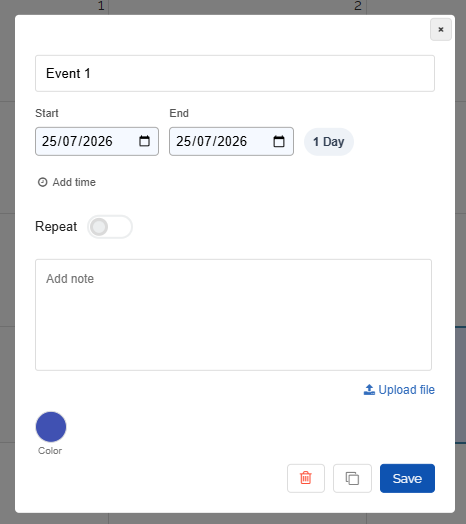
Click on the event, then a dialog for editing will open:
-
Event times can also be changed directly in the calendar with the mouse:
-
1. Move the event - hold the mouse button down on the event and drag it to the new time slot.
-
2. Event length - move the mouse to the bottom edge of the event. Grab the bottom edge (hold the mouse button down) and change the length.
-
Datei „Shorten or extend event time“ wurde gelöscht.