4 / 10
2
Set up a Poll
-
You can effortlessly insert a poll into a box.
-
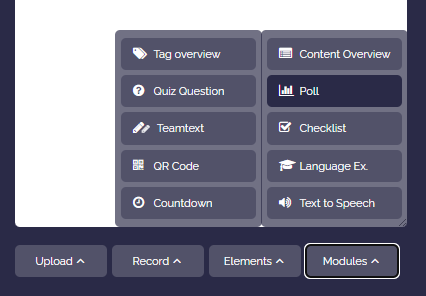
To do this, open the box editor, click on “Module” and choose “Poll”.
-
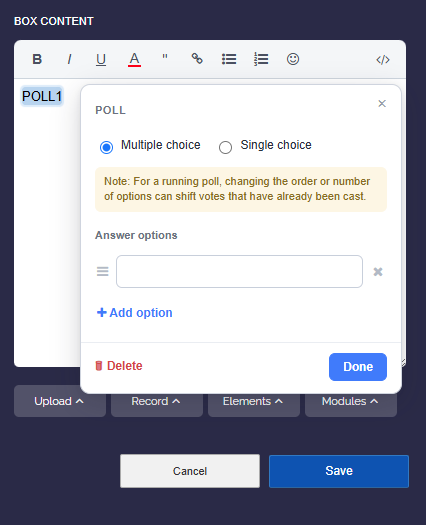
Confirm whether you want to allow a “single selection” or “multiple selection”.
-
Enter the poll data, which you can modify as you wish.