4 / 10
2
Set Up a Checklist
-
You can insert a checklist into a box very easily.
-
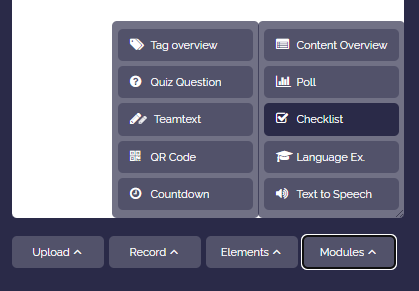
To do this, open the box editor and click "Modules". In the dropdown, select "Checklist".
-
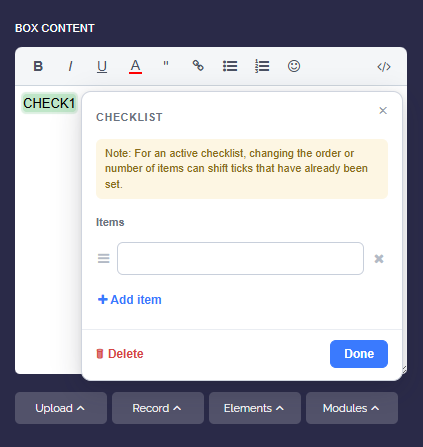
Enter the checklist items. Use "Add item" to add more entries. You can change the order by grabbing an item using the handle on the left and moving it.
-
Click "Done" to apply the checklist. In the box content, the placeholder
CHECK1appears, representing the checklist.