6 / 10
4
Everyone ticks off their own checkmarks
-
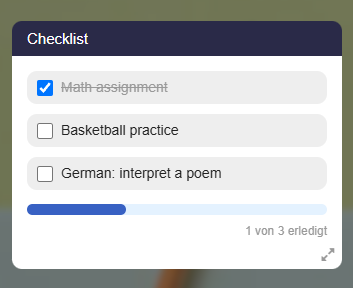
Checkmarks are individual for each person. If student A checks off an item, student B does not see that checkmark. Each user only sees their own checkmarks on the map.
-
This allows the whole class to work with the same checklist without checking off items for one another. As the map owner, you can use the checkmark counter to see who has checked off which item (see section “Display the List of All Checkmarks”).
-
Checking off – Who and how?
-
- Registered users as well as anonymous visitors can check off items.
- Items are checked off by clicking the checkbox of the respective entry.
- If you click an active checkbox again, the checkmark is removed.
- ⚠️ Anonymous checkmarks are tied to the respective device. A user account is required for checking off items across devices.