5 / 10
3
Distribute a Map to a Group
-
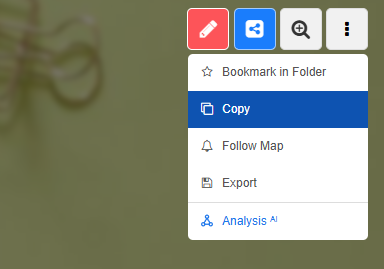
Open your map and click on the three dots in the top right corner.
-
-
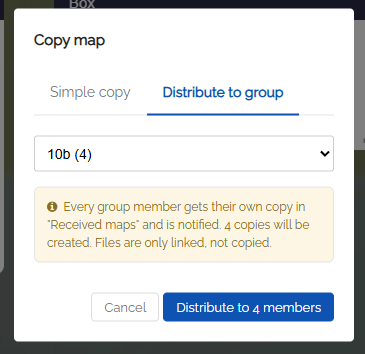
Select "Copy" in the dropdown and click "Distribute to Group" in the dialog that opens.
-
Select the desired class or group in the dropdown and confirm.
-
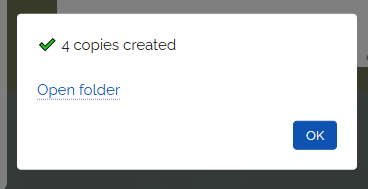
A separate copy of the map is then created automatically for every member of the group.
-
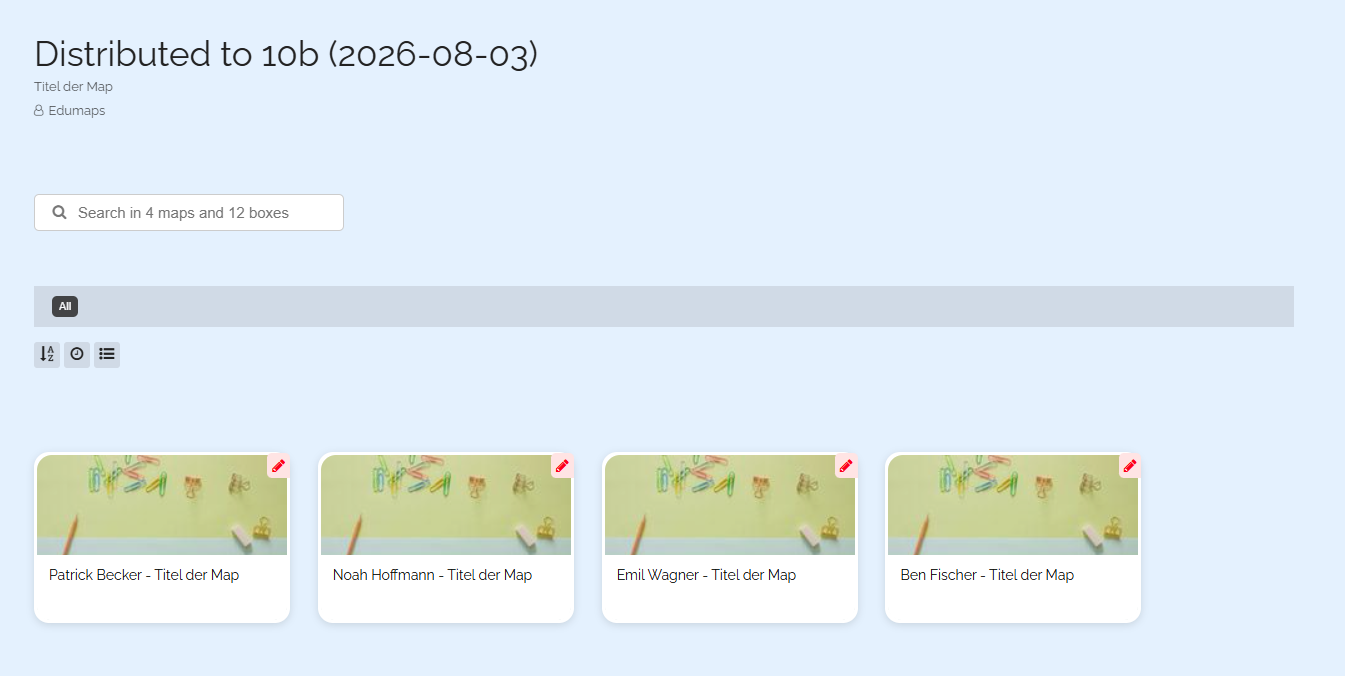
Click "Open Folder" to go directly to the newly created folder containing all map copies.
-
Each copied map carries the name of the recipient (student) in the map title.