3️⃣ Embed calendars
7 / 13
6
Embed a calendar step by step
-
Open the box calendar in which the events from other calendars should appear (the target calendar).
-
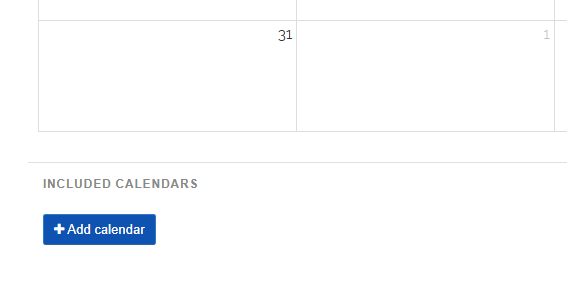
Below the calendar, you will find the “Add calendar” button.
-
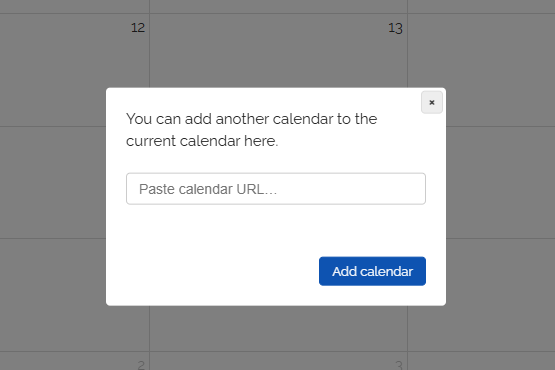
A dialog opens in which you enter the link to the source calendar. You can get this link directly in the source calendar by clicking the share button.
-
Confirm the selection, and all events from the source calendar will immediately appear in the target calendar.
-
You can embed as many calendars as you like into one box calendar.