4 / 13
2
Booking Process
-
Once you have finished your map and activated the sales module for one or more boxes, you can share your map via link with potential buyers.
-
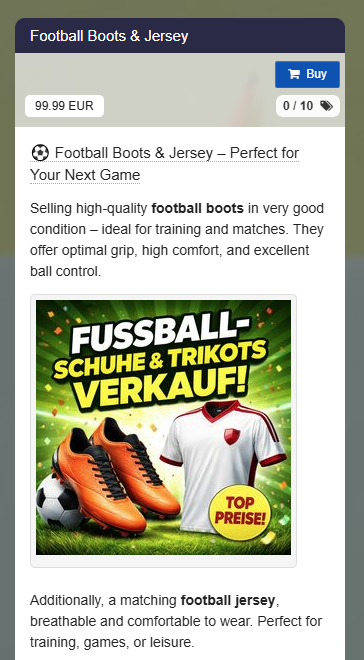
Users who visit your map will now see a purchase button directly in the box:
-
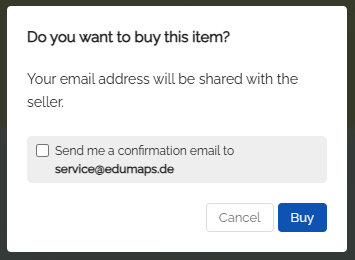
If the user clicks the blue booking button, they will see the following message:
-
The user can request a confirmation by email.
-
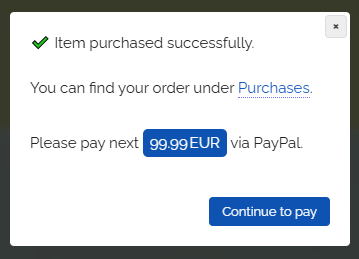
If the user confirms by clicking “Buy”, they are successfully registered as a buyer.
-
If a price has been set, the user can now click "Proceed to payment" and pay via PayPal.
-
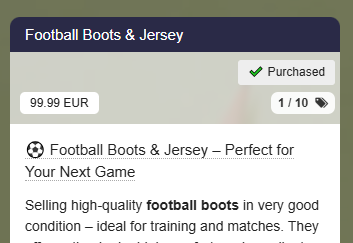
A “Purchased” label appears on the box.
-
-
⚙ process