4 / 4
3
Copy external Columns (Part 3/3)
-
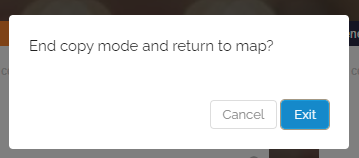
If you no longer want to copy a column, you can click on the red banner “Copy Mode” at the top left. This will end the copy mode and you will return to your map.
-
Back on your map, you will now see the copied column with all boxes, which you can further edit if needed.