3 / 10
1
Share folder via link
-
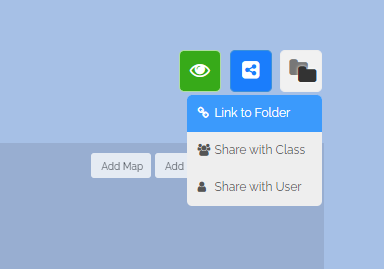
You can share your folder. To do this, click on the blue share icon:
-
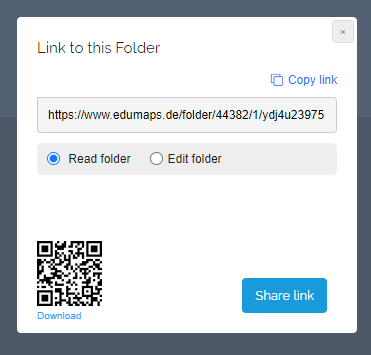
By clicking on "Link to folder", the share dialog opens.
-
Here you can choose whether to grant read rights or editing rights.
-
You can then copy and distribute the link.
-