4 / 10
2
Share folder with class/group
-
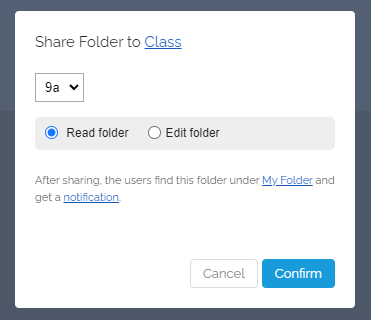
When you want to share with a class, this dialog opens:
-
Select your class/group. Also choose the access right (Read or Edit). Then click on "Confirm".
- After sharing, users will find this folder under My Folders (as an "External Folder") and will receive a notification.
-
⚙ class