7 / 10
5
Add folder from “My Folders”
-
Click on "Open My Folders" and you will be redirected to the page.
-
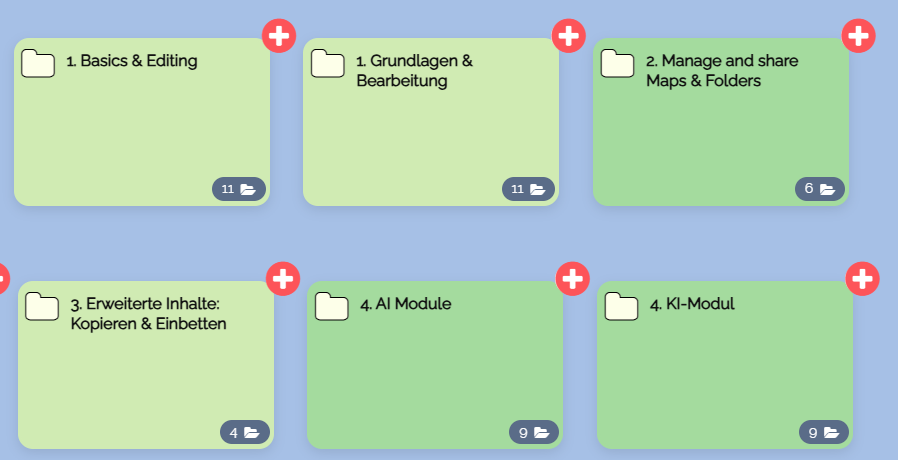
There is a red-white cross on each folder:
-
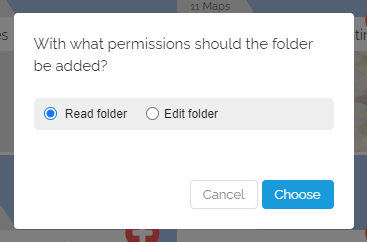
Click on a red-white cross, and the following dialog appears:
-
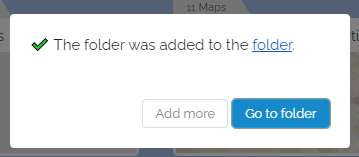
Confirm and the following appears:
-
-
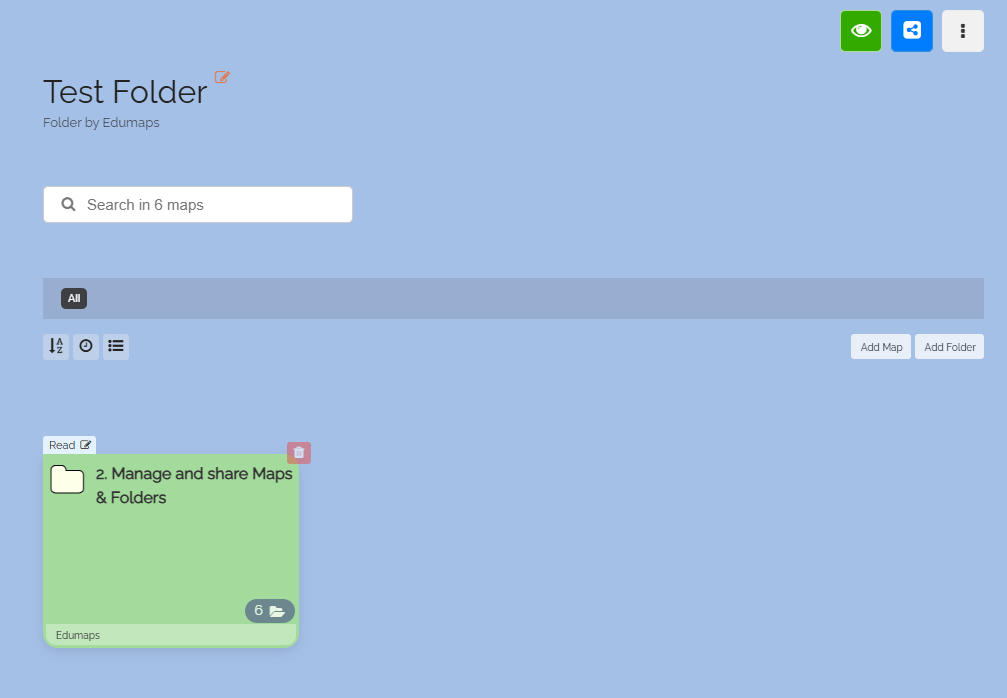
The folder now appears in the folder, also showing the access right.
-
⚙ myfolders