8 / 9
6
Place widget on home screen
-
Set a calendar widget on your home screen now to always see the current events of the calendar.
-
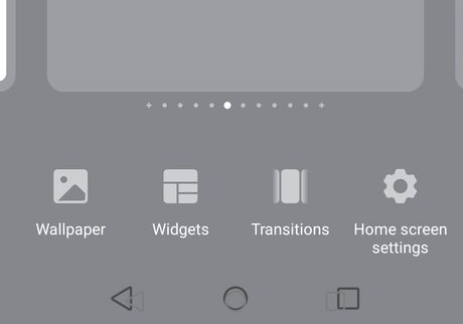
1. Press and hold the home screen with one finger until the selection “Wallpaper | Widget | Transitions | Home screen settings” appears.
-
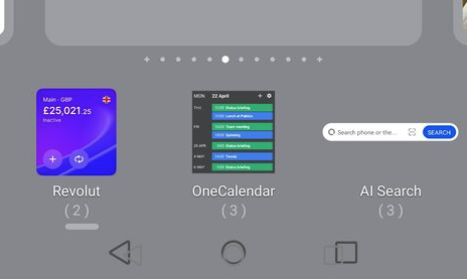
2. Click on “Widgets”.
-
3. Find “OneCalendar” and click on it.
-
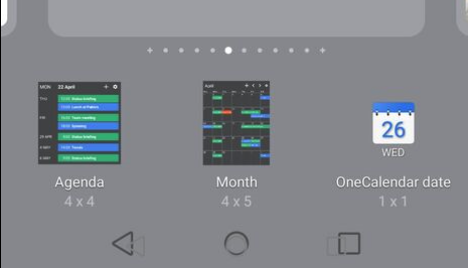
4. OneCalendar has three widgets to choose from:
-
Choose “Agenda” to get a widget with a list view of all events.
-
Choose “Month” to get a calendar widget that can be scrolled month by month.
-
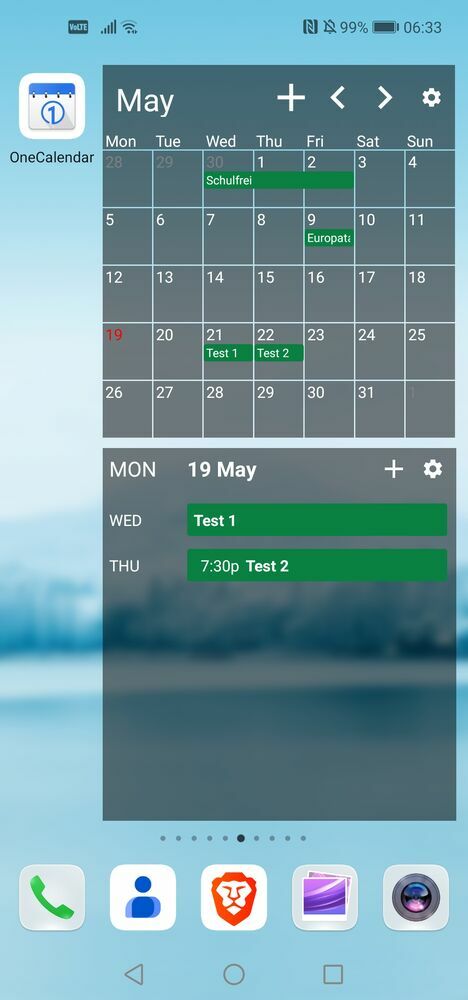
Result:
-
⚙ widget