9 / 9
7
Activate automatic synchronization in the app
-
To ensure the app regularly displays the current events from the Edumaps calendar, you need to enable synchronization.
-
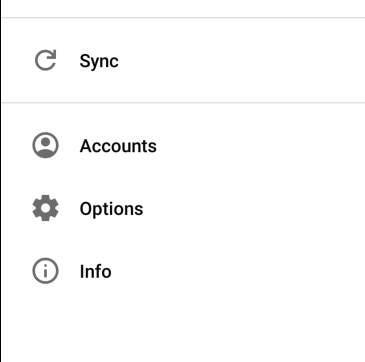
To do this, go to the menu and select "Options":
-
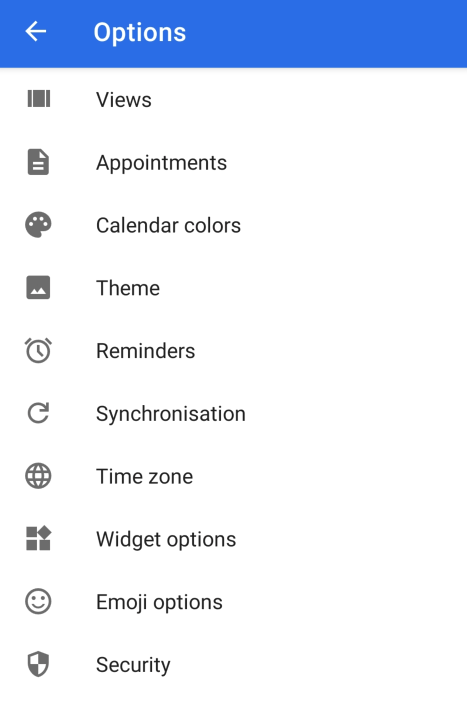
Then select "Synchronization":
-
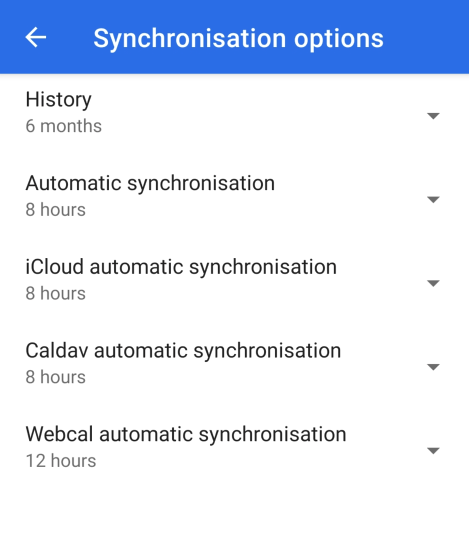
Click on "Webcal automatic synchronization":
-
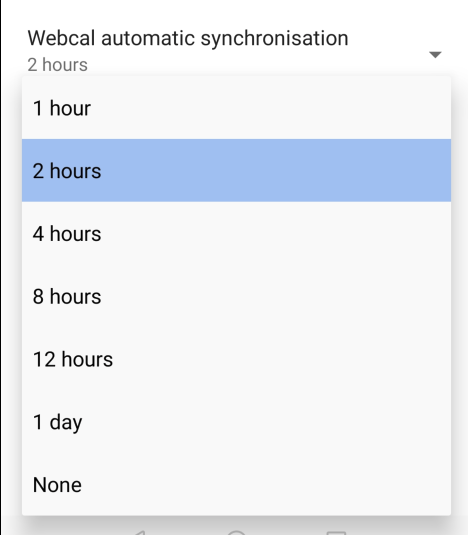
Choose, for example, "2 hours" or "4 hours" as the synchronization interval:
-
Now the app synchronizes with the Edumaps calendar every 2 hours.
-
⚙ synchronization