2 / 6
1
Text-to-Speech with New Text
-
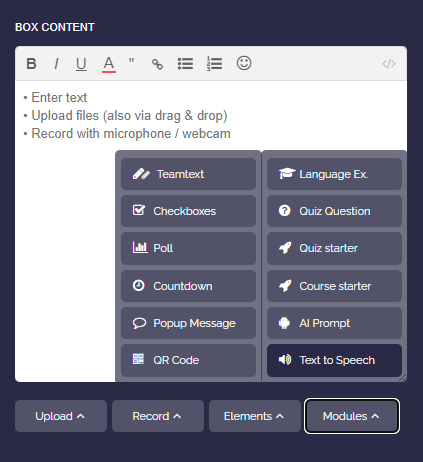
First, create a new box and select the Text-to-Speech module.
-
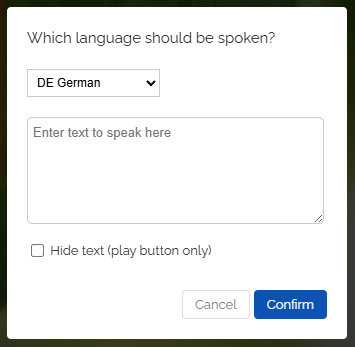
Select the reading language from the dropdown menu and then enter your desired text.
-
Optionally, you can enable “Hide text”. Then only the play button will appear and the text will be hidden.
-
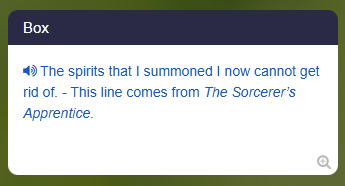
After that, save the box and you can have the text read aloud. Click on the text or the play icon to start.
-
Please note that the first click may require a few seconds of loading time.
-
⚙ textnew