3 / 6
2
Text-to-Speech with Existing Text
-
You can also use any existing text in a box and have it read aloud.
-
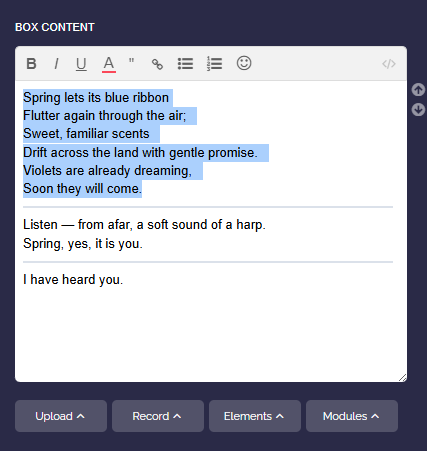
Open the corresponding box and use your mouse to highlight the text that should be spoken.
-
Then click on “Modules” and “Text-to-Speech”.
-
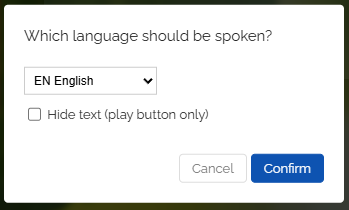
In the dialog, select the language of the text.
-
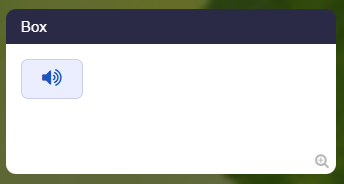
Optionally, you can enable “Hide text”. Then only the play button will appear and the text will be hidden.
-
Confirm and save the box.
-
The existing text can then be read aloud automatically with a click.
-
⚙ textexisting