5 / 9
3
Subscribe to box calendar
-
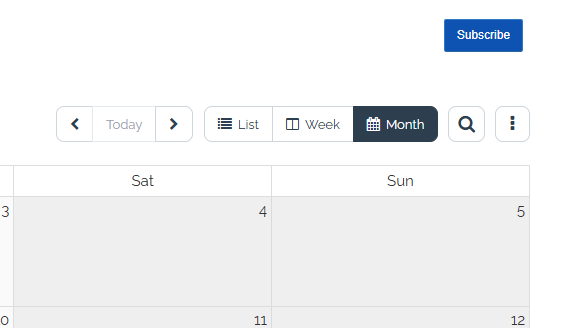
If you open a box calendar, you will find the blue button "Subscribe" in the top right corner.
-
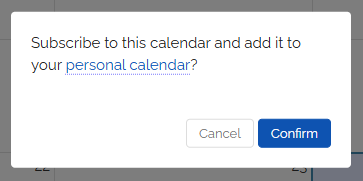
Click on it to confirm the subscription.
- Afterwards, you will find all the events from this calendar entered into your personal calendar.
-
-
The tutorial explains how subscribing works and how to cancel a subscription: