4 / 10
2
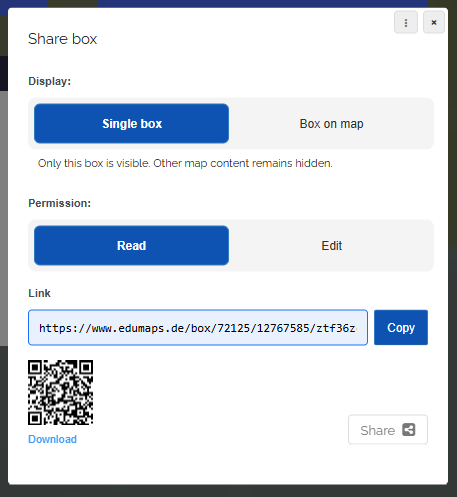
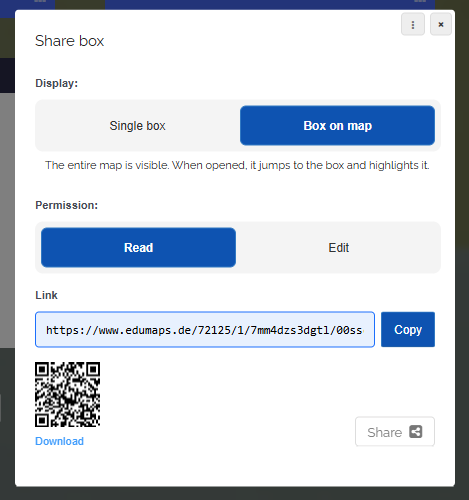
Display: Single box or Box on map
-
Under “Display” you define what the recipient sees when opening the link.
-
1. Single box
-
Only this box is visible. All other contents of the map remain hidden.
-
This option is suitable when the recipient should focus on this one box only, for example for submissions or individual tasks.
-
-
2. Box on map
-
The entire map is visible. When opened, the view jumps to the box and the box is highlighted.
-
This option is suitable when you want to draw attention to a specific box while the recipient keeps the context of the whole map.