2
Create a link for column groups
-
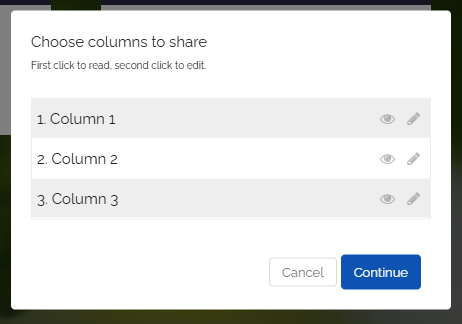
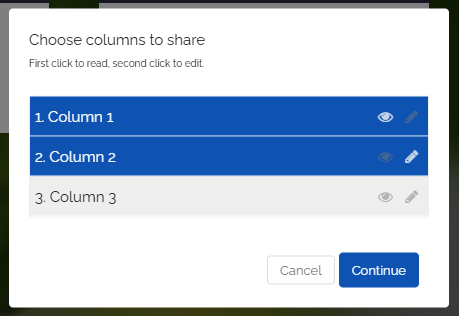
You can now individually select the columns you want to share.
-
The first click on a column selects it as read-only.
-
The second click allows editing.
-
Click the “Next” button.
-
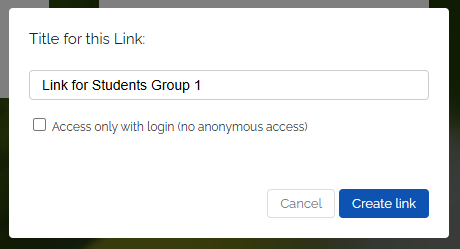
Next, you can give the link a title. You can also choose whether visitors need to log in to access the map.
-
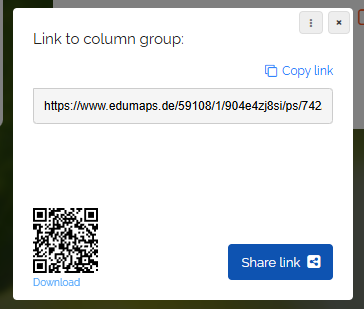
Click “Create link”. You can now copy the generated link and distribute it to your students.
-
Tip: Use the QR code as well, which your students can conveniently scan with their phone or tablet.
-
⚙ a2