
From idea to finished lesson
Enter a topic, present the map, play the quiz. Edumaps supports the whole lesson.
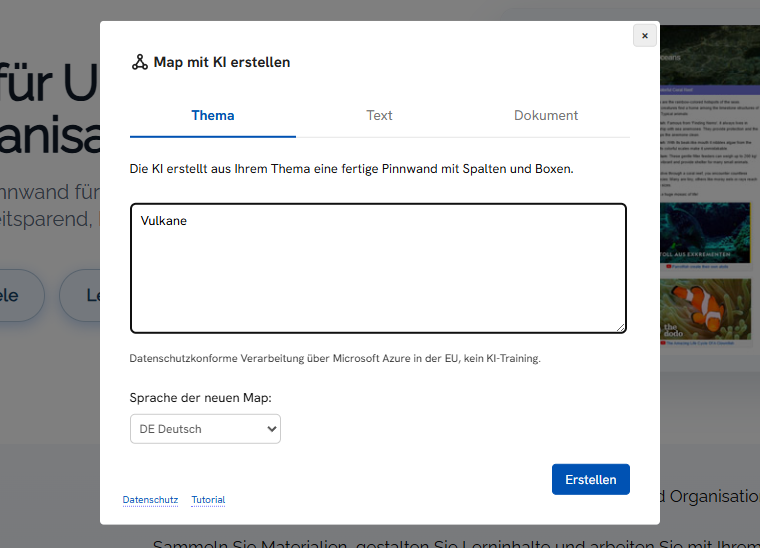
Enter a topic
You name the topic and the AI turns it into a finished map with texts and structure. Afterwards you can edit and extend everything freely.
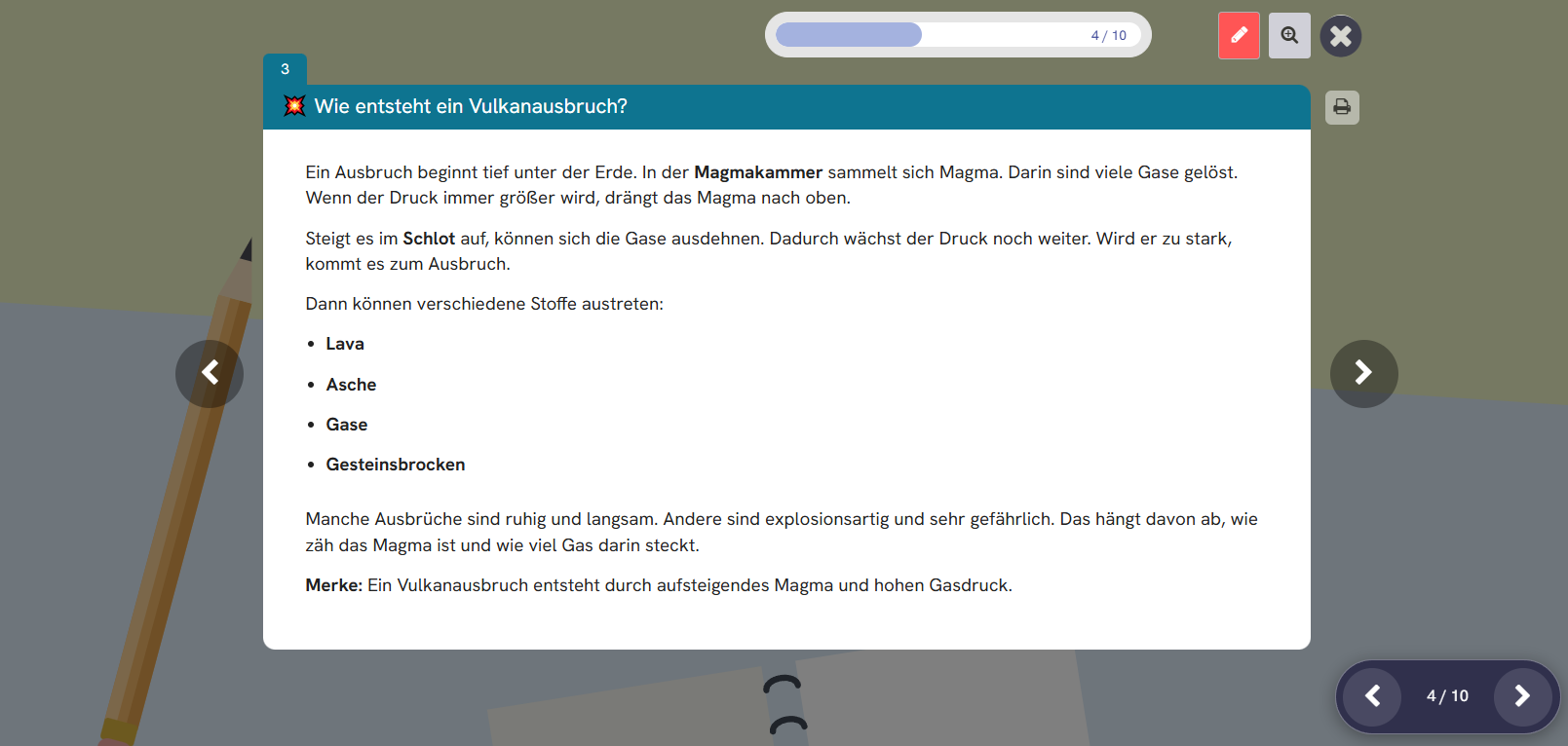
Present it in class
In presentation mode you go through the map step by step with your class. A projector or a digital whiteboard is all you need.
On request, Edumaps translates the map automatically into over 60 languages (Premium).
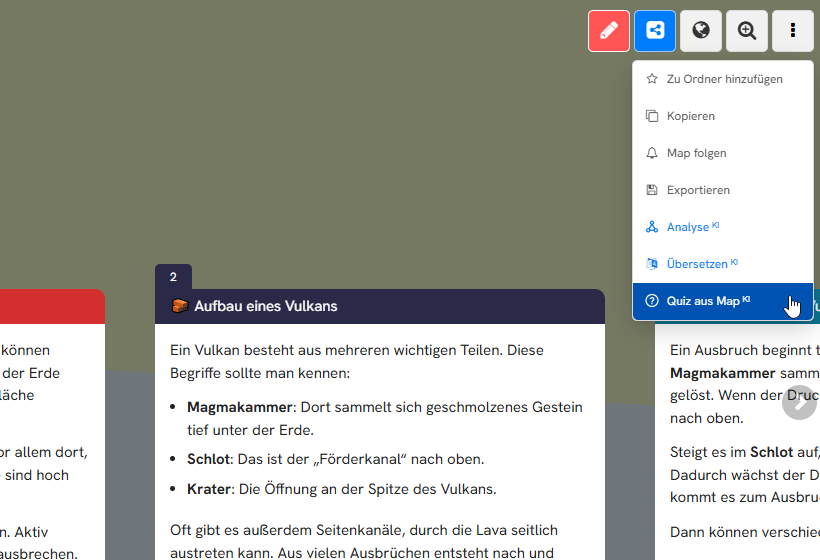
Create a quiz from the map
One click on “Quiz from Map” in the map menu is all it takes. The AI creates matching quiz questions from the content of the map.
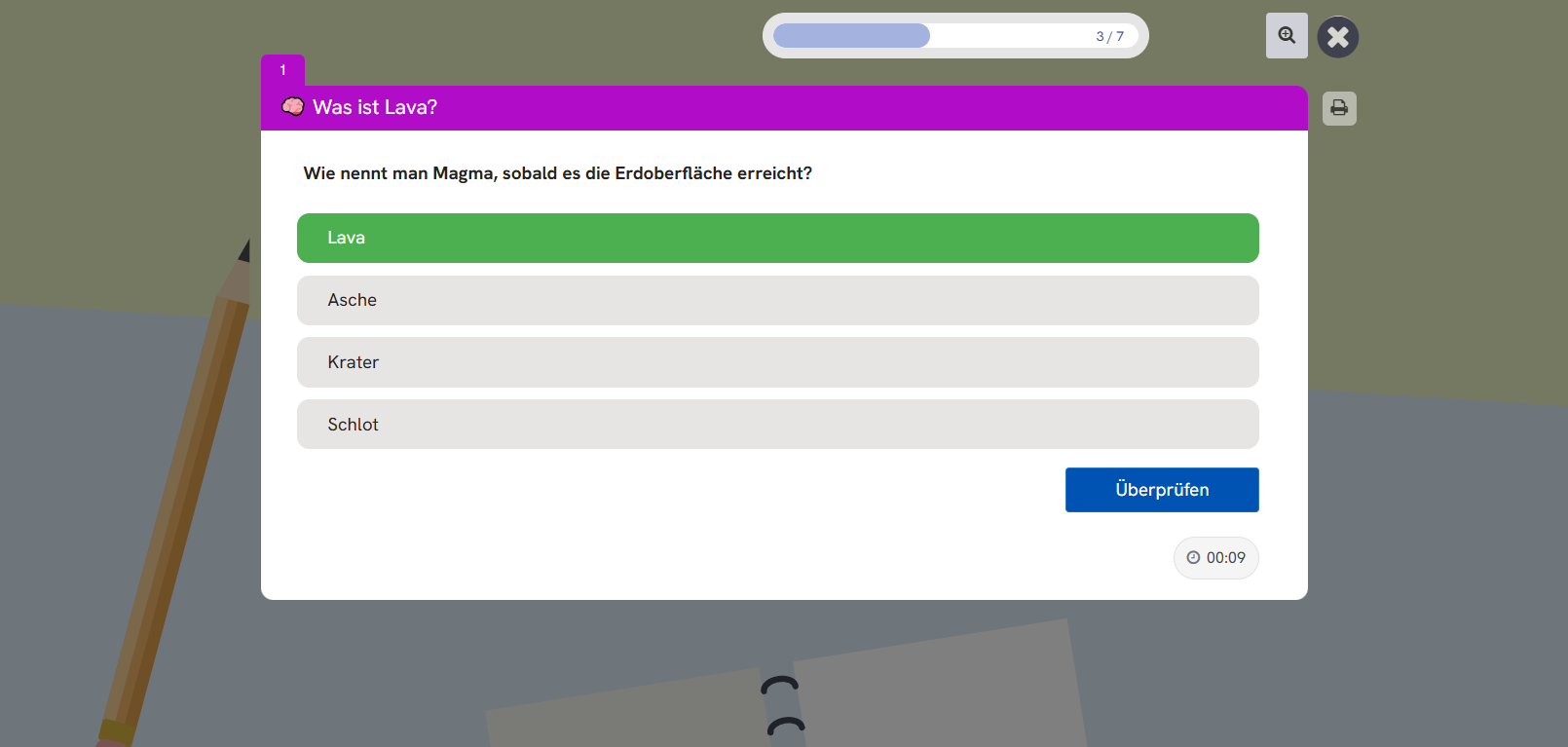
Play with your class
Students answer the questions and see right away what they have remembered. As the teacher, you see the results of the whole class at a glance. The lesson ends with a knowledge check that is fun.
Try it yourself
The map and the quiz from this example are public. Open both and test your knowledge.