
Edumaps Alternatives and Comparisons
Edumaps side by side with well-known tools for teaching, organisation and collaboration.
Looking for an alternative to Padlet, TaskCards or Trello? Or wondering how Edumaps differs from Kahoot, Miro or OneNote? All comparisons in one place. Each one covers features, privacy, pricing and typical classroom scenarios.
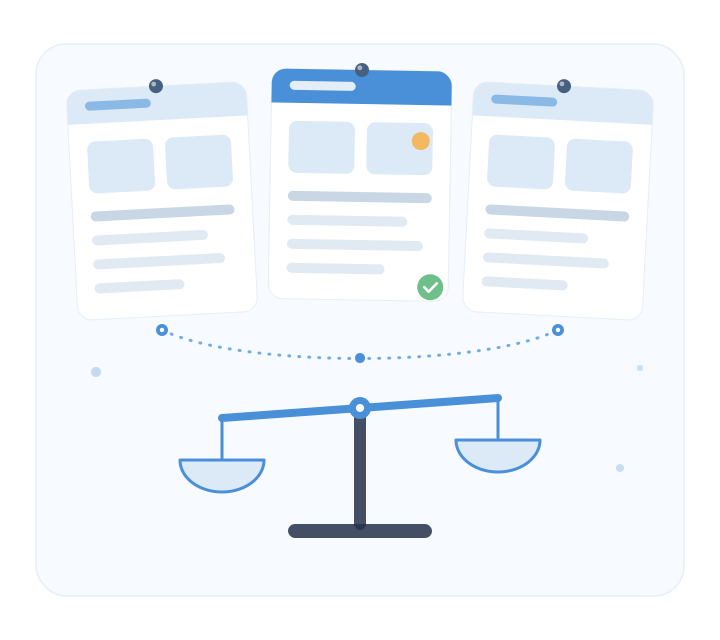
All comparisons
The comparisons are built as Edumaps maps and are updated regularly.
- Edumaps and Padlet Digital pinboards compared: structure, permissions, privacy and pricing.
- Edumaps and TaskCards Two German pinboard tools compared: features and school licenses.
- Edumaps and Trello Kanban boards for schools: tasks, weekly plans and collaboration.
- Edumaps and Kahoot Quizzes and learning games: where Edumaps offers more and where Kahoot fits.
- Edumaps and Miro Whiteboard or pinboard: what works for lessons and staff collaboration.
- Edumaps and OneNote Notebook or learning map: structure, sharing and school integration.
- Edumaps and Wakelet Collections and curating material compared.
- Edumaps and CryptPad Encrypted collaboration and privacy in everyday school use.
- Edumaps and Fobizz AI tools and teacher training: overlaps and differences.
- Edumaps and Duolingo for Schools Language learning compared with Edumaps language courses.
What we compare
Every comparison follows the same criteria so schools and teachers can quickly see which tool fits their needs. The comparisons are written by Edumaps. We present differences factually and also name areas where other products are stronger.
- Classroom features Pinboards, learning paths, tasks, quizzes, calendars and galleries.
- Privacy and hosting Server location, GDPR compliance, data processing agreement and handling of student data.
- Permissions and sharing Public, protected, class-based or restricted to specific users.
- Login via school portals VIDIS, IServ, moin.schule, Schulportal Hessen, WebUntis and more.
- Pricing and licenses Costs for teachers, schools, districts and authorities.
- Export and reuse PDF, image, Markdown, Moodle course or offline version.
What makes Edumaps different
Edumaps is more than a digital pinboard. Teaching, organisation and privacy are designed together.
- Teaching and organisation in one system Material collections, weekly plans, tasks, bookings and calendars in one place.
- Hosted in Germany GDPR-compliant operation with a data processing agreement, built for education.
- Available at over 8,600 schools State-wide solutions in Hessen, Niedersachsen and Sachsen-Anhalt among others.
- No forced migration Padlet import, Moodle export and open formats make switching easy.
Try Edumaps yourself
Create your first maps for free and compare Edumaps directly with the tool you use today.